
Table of Contents
- Why Look for a Sora Alternative?
- What Makes a Good Sora Alternative?
- Quick Comparison
- 1. Google Veo 3.1
- 2. Runway Gen-4.5
- 3. Kling AI 3.0
- 4. Luma AI Ray
- 5. Pika
- 6. Adobe Firefly Video
- 7. Google Vids
- 8. Canva AI Video Tools
- 9. HeyGen
- 10. CapCut AI
- How to Choose the Right Sora Alternative
- Sora Migration Checklist
- FAQ
Why Look for a Sora Alternative?
Sora was one of the most talked-about AI video tools because it showed how natural, cinematic, and prompt-driven video generation could become. But in 2026, the search for Sora alternatives became more practical than speculative. OpenAI’s help documentation states that the Sora web and app experiences were discontinued on April 26, 2026, and the Sora API is scheduled to be discontinued on September 24, 2026.
That changes the search intent. People looking for a Sora alternative are often not just curious. They may need to migrate an existing workflow, replace a tool used for marketing videos, rebuild an API integration, or find a new AI video generator for future projects.
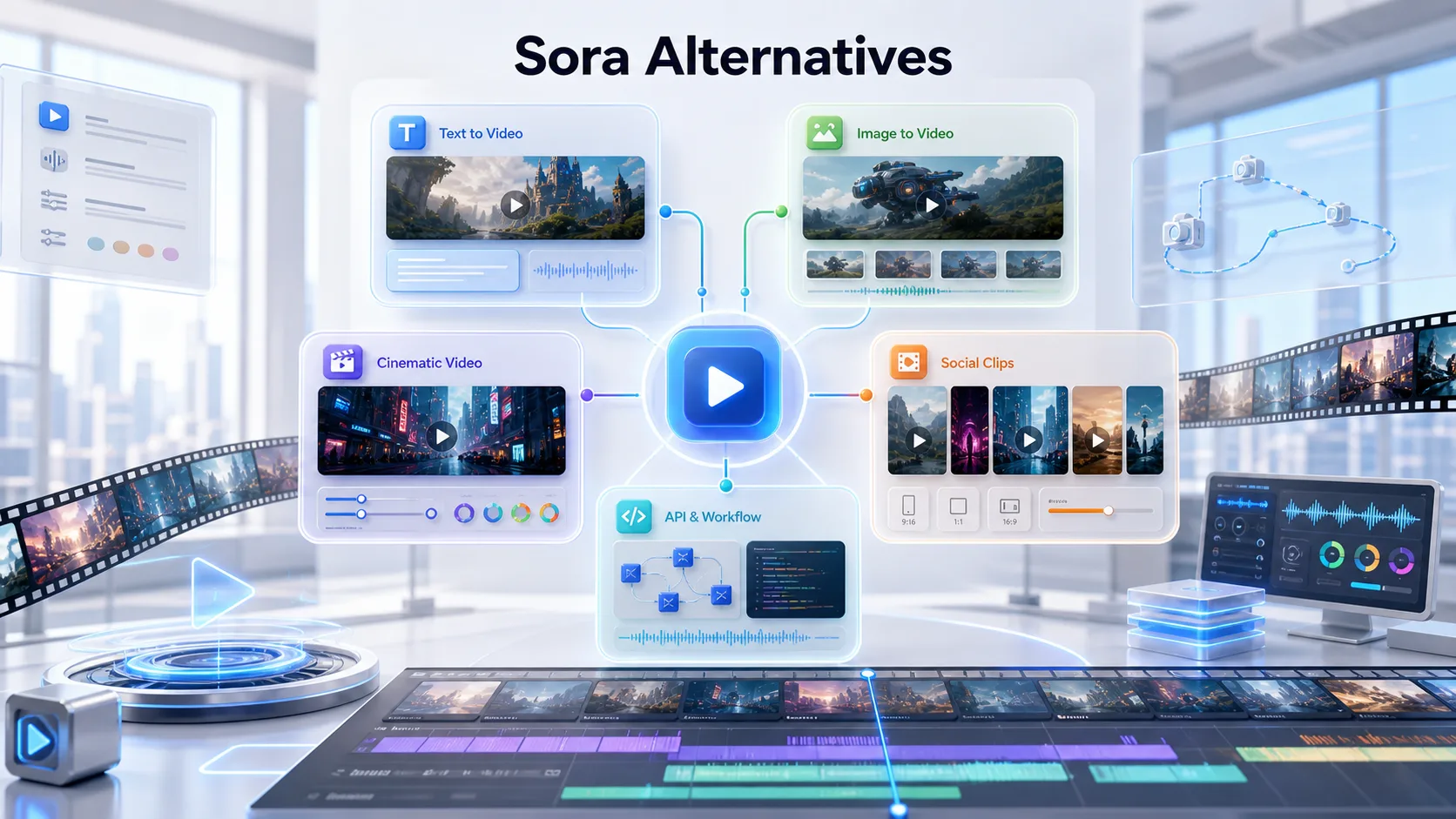
The good news is that AI video generation has moved quickly. There are now strong Sora alternatives for different needs: cinematic text-to-video, image-to-video, social clips, native audio, business videos, editing, API workflows, and creative experimentation.
The right choice depends on what you used Sora for. A filmmaker needs different features from a marketer. A developer needs different stability from a casual creator. A social media editor may care more about speed, templates, and easy exporting than ultra-realistic physics.
What Makes a Good Sora Alternative?
A good Sora alternative should do more than generate a short video from a prompt. It should fit the way you actually create.
Here are the most important factors to compare:
- Text-to-video quality: Can the tool turn a written prompt into a coherent clip?
- Image-to-video support: Can it animate an existing image, product shot, or character frame?
- Motion control: Does the tool follow camera movements, actions, timing, and scene direction?
- Prompt adherence: Does the output match the prompt, or does it drift?
- Native audio: Can it generate sound, ambience, or dialogue with the video?
- Resolution: Does it support HD, 1080p, or 4K output?
- Clip length: Is the default length enough for your use case?
- Editing workflow: Can you revise, extend, or refine a video without starting over?
- API access: Can developers integrate it into products or automation workflows?
- Pricing: Does it work for casual users, teams, or high-volume production?
- Commercial use: Are the terms suitable for client work, ads, or business content?
No single AI video generator is the best for every category. The smartest approach is to choose based on use case: cinematic production, social video, business training, API automation, or quick content creation.
Quick Comparison
| Tool | Best For | Main Strength | Possible Limitation |
|---|---|---|---|
| Google Veo 3.1 | Cinematic video with audio | Native audio, high-end video quality, API access | Best value inside Google’s ecosystem |
| Runway Gen-4.5 | Professional AI video creation | Strong visual fidelity and creative control | Can be expensive for heavy use |
| Kling AI 3.0 | Longer AI video clips and audio | Up to 15-second generation and native audio | Interface and access may vary by region |
| Luma AI Ray | Cinematic image-to-video | Motion quality and creative direction | Less focused on simple business templates |
| Pika | Short social AI videos | Easy effects and creator-friendly clips | Not always best for polished long-form work |
| Adobe Firefly Video | Design and brand workflows | Good fit for Adobe users and creative teams | Best if you already use Adobe tools |
| Google Vids | Business video creation | Simple business-friendly workflow | Less flexible for experimental filmmaking |
| Canva AI Video Tools | Marketers and beginners | Templates and easy design workflow | Not the deepest AI video model control |
| HeyGen | Avatar and talking-head videos | Presenters, training, localization | Not a cinematic Sora-style generator |
| CapCut AI | Social video editing | Editing, captions, templates, short-form output | More editor than foundation video model |
1. Google Veo 3.1
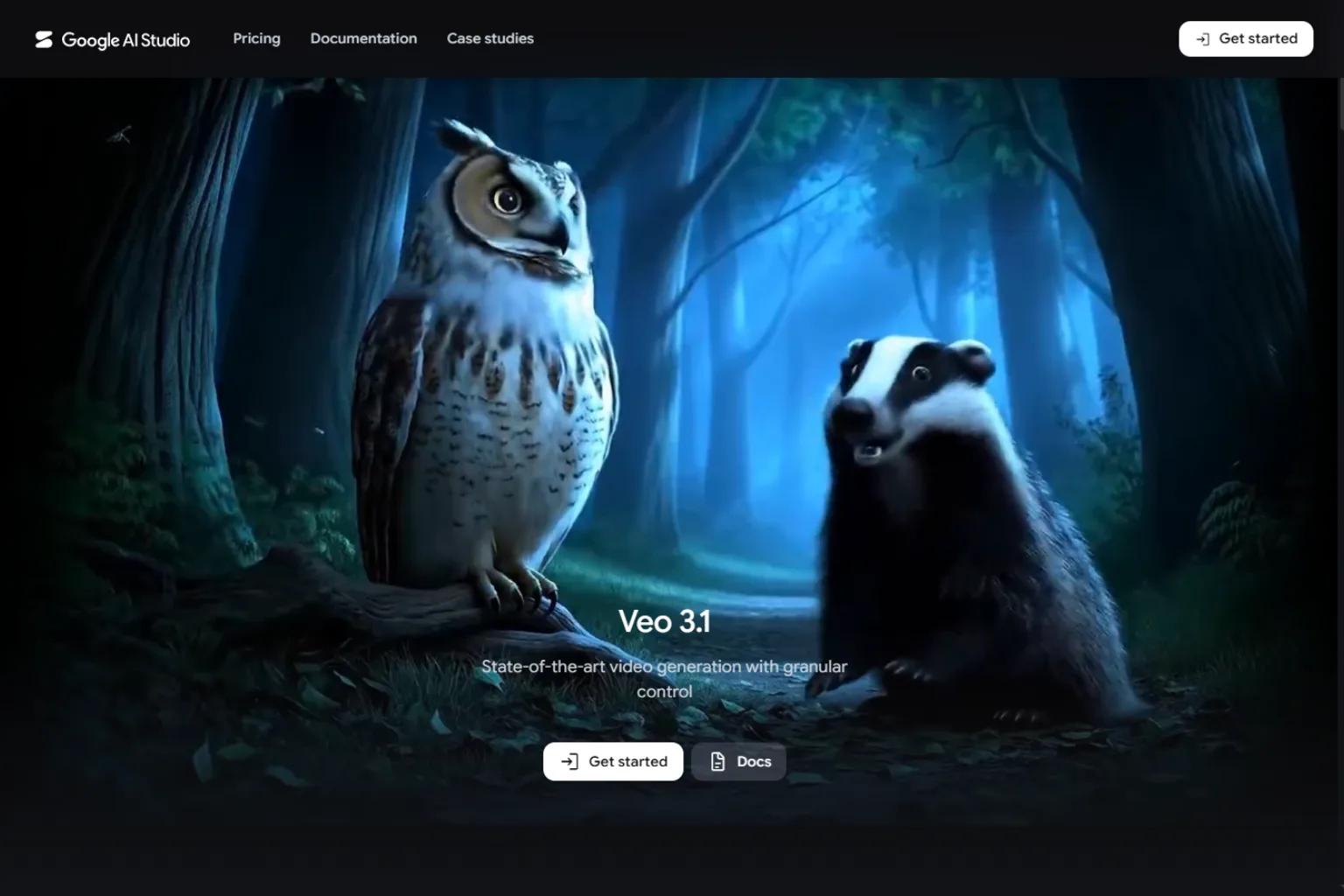
Google Veo 3.1 is one of the strongest Sora alternatives for users who want high-quality AI video with native audio. It supports text-to-video and image-to-video workflows and is available through Google’s developer and creative ecosystem.
Veo 3.1 is especially relevant because it focuses on cinematic motion, realistic physics, prompt understanding, and audio-video generation. If you need a tool that can create polished short video clips from written prompts, it should be near the top of your list.
Veo 3.1 is best for:
- Cinematic AI video generation
- Text-to-video prompts
- Image-to-video workflows
- Native audio generation
- Developers using API workflows
- Teams already working with Google tools
Compared with Sora, Veo 3.1 feels like a strong replacement for users who want video generation to continue inside a major AI ecosystem. It is especially useful if you want native audio and more structured developer access.
2. Runway Gen-4.5
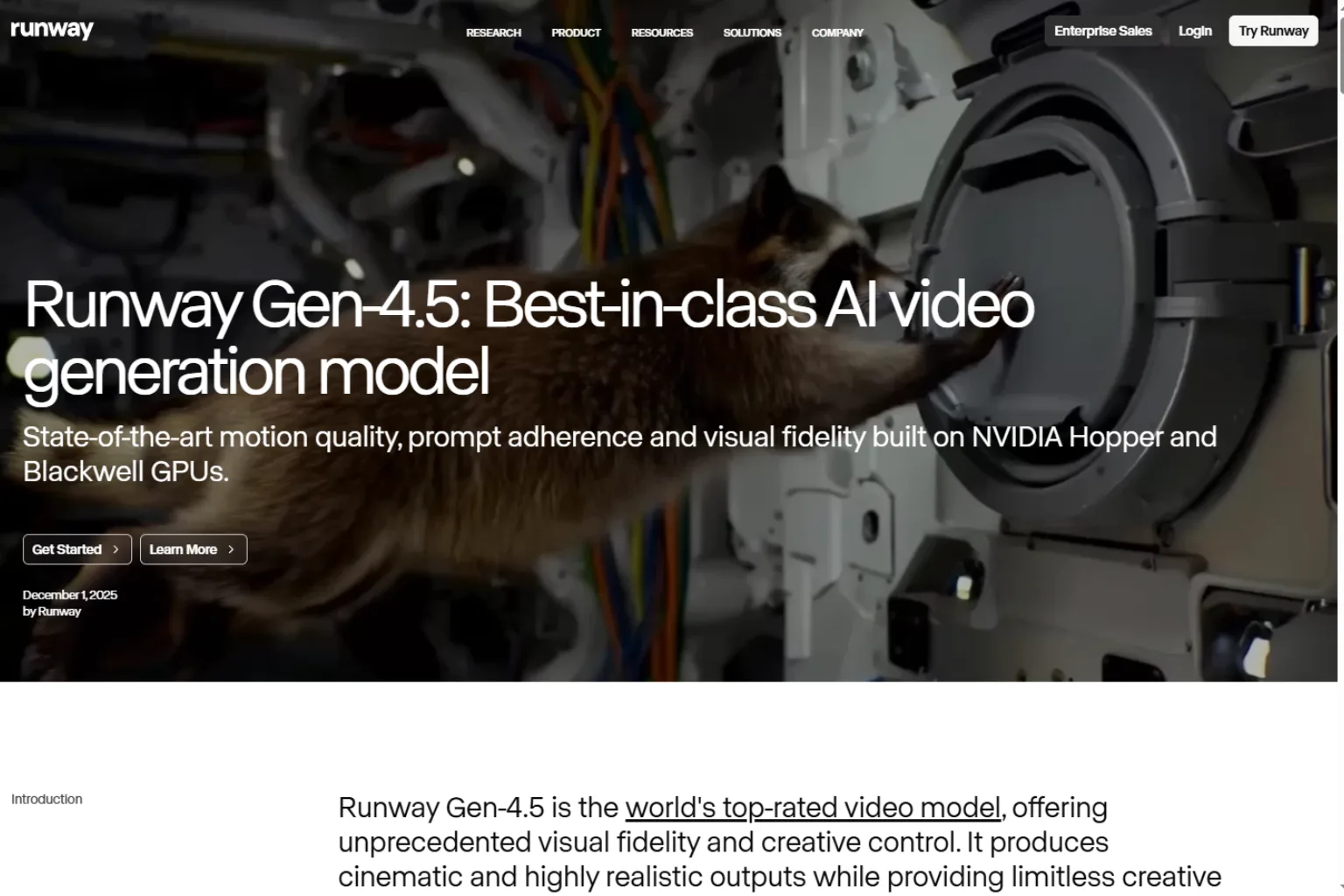
Runway Gen-4.5 is another top Sora alternative, especially for creators who care about visual fidelity, motion quality, and production controls. Runway has been one of the most established names in AI video creation, and Gen-4.5 is positioned as a high-end video generation model.
Runway is not only a model. It is also a creative video platform. That matters if you want to generate, edit, refine, and organize video projects in one place. For filmmakers, agencies, designers, and content teams, this can be more useful than a simple prompt box.
Runway Gen-4.5 is best for:
- High-quality AI video production
- Text-to-video and image-to-video
- Camera movement and scene direction
- Creative teams and agencies
- Polished campaign concepts
- Film-style experiments
Choose Runway if you want an AI video tool that feels production-oriented. It may not be the cheapest option, but it is one of the most serious choices for replacing Sora in creative workflows.
3. Kling AI 3.0
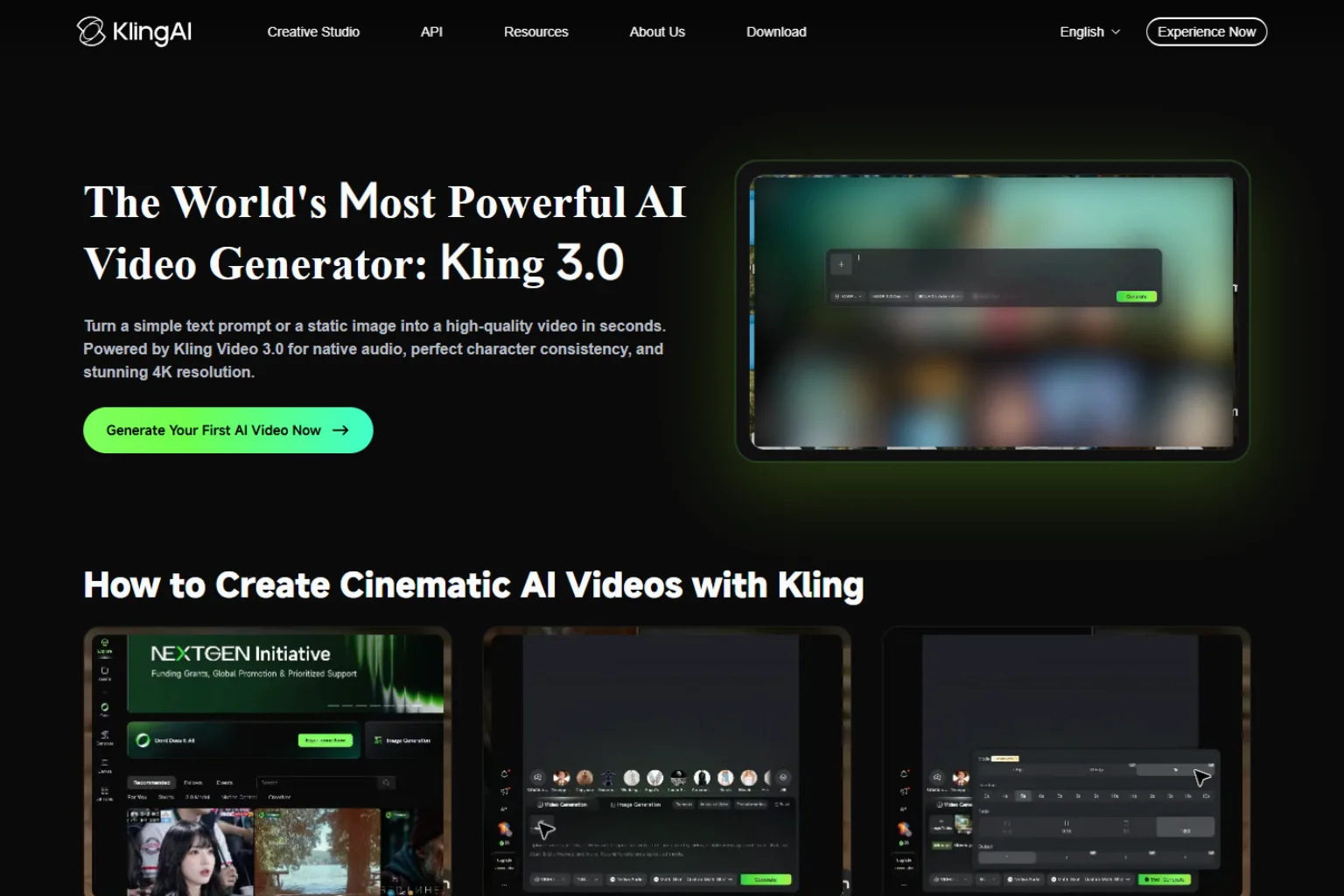
Kling AI 3.0 is a strong Sora alternative for users who want longer AI video clips, native audio, and high-resolution outputs. Kling has become a major name in AI video generation, and its newer models are especially interesting for creators who want more complete scenes rather than tiny experimental clips.
Kling AI is useful for cinematic short clips, product videos, social videos, and story-driven scenes. Its support for longer generation windows makes it attractive for creators who feel limited by very short video outputs.
Kling AI 3.0 is best for:
- Longer AI video generation
- Native audio and ambience
- Cinematic scenes
- Storyboard-style workflows
- Social and marketing videos
- Creators who want more duration control
Choose Kling AI if clip length, audio, and realistic motion matter. It is one of the more serious Sora replacements for creators who want to build complete short scenes.
4. Luma AI Ray
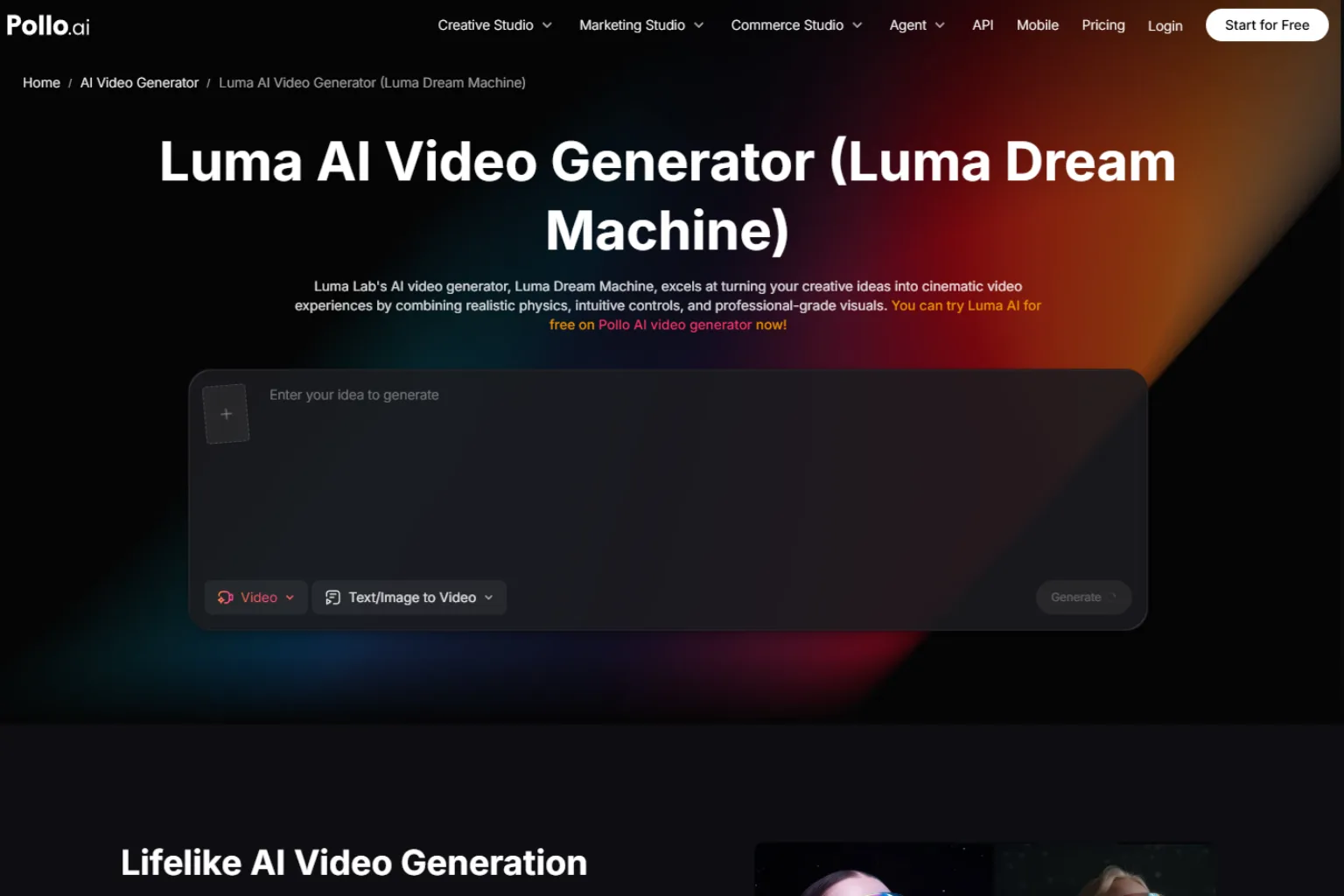
Luma AI Ray is a strong alternative for cinematic image-to-video generation and creative motion control. It is useful when you already have a reference image and want to turn it into a moving scene with camera movement, atmosphere, and visual continuity.
Luma’s video models are popular with creators who care about cinematic feel. If you want an AI tool that can create graceful camera movement, realistic motion, or stylish short scenes, Luma is worth testing.
Luma AI Ray is best for:
- Image-to-video generation
- Cinematic motion
- Product concept videos
- Creative direction
- Short film experiments
- API-based creative workflows
Choose Luma if your workflow starts with still images, storyboards, or concept frames and you want to bring them to life.
5. Pika
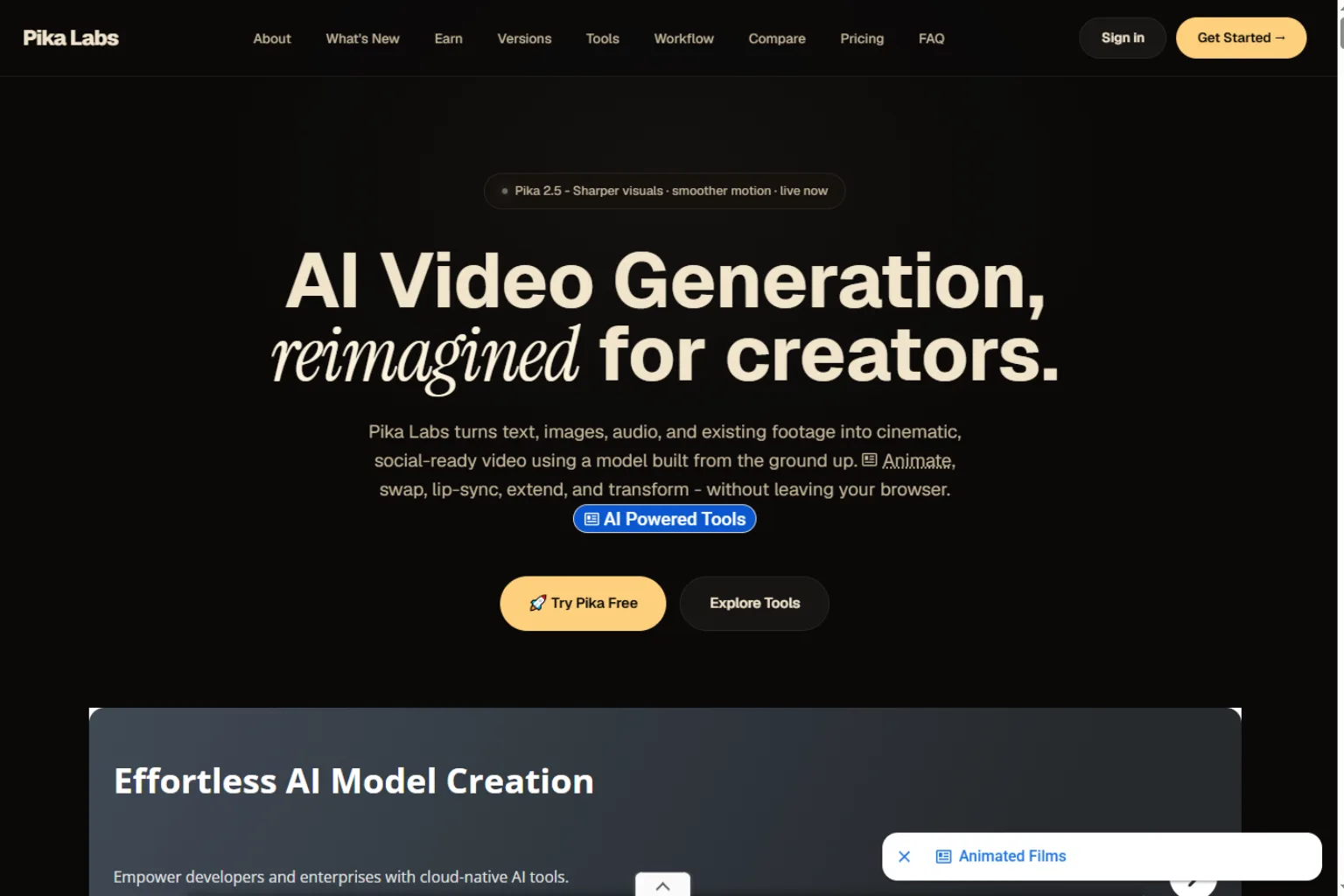
Pika is a good Sora alternative for short, playful, and creator-friendly AI videos. It is less intimidating than some professional video platforms and works well for social media ideas, effects, animated images, and quick experiments.
If your goal is not a cinematic film scene but a short clip for TikTok, Reels, Shorts, memes, ads, or social content, Pika can be easier to use than heavier tools.
Pika is best for:
- Short AI videos
- Social media clips
- Creative effects
- Image animation
- Fast experiments
- Beginner-friendly video creation
Choose Pika if speed and creative play matter more than full production control.
6. Adobe Firefly Video
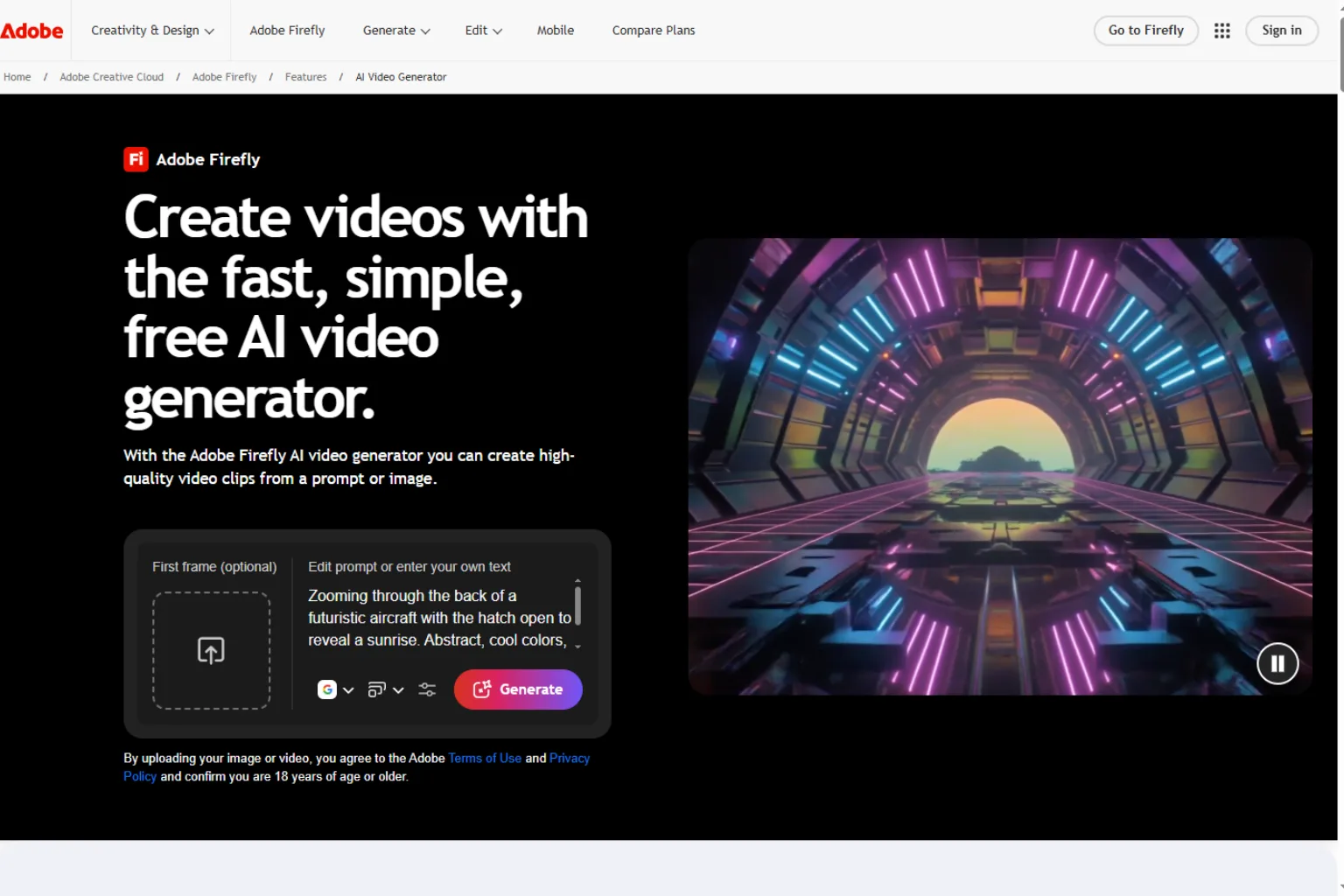
Adobe Firefly Video is a strong alternative for designers and creative teams already working inside Adobe’s ecosystem. Firefly has become more of a multi-model creative hub, and video generation can fit naturally into design, editing, and brand workflows.
This is not always the first choice for users who only want a standalone Sora replacement. But for teams using Photoshop, Premiere, Express, or Firefly Boards, the workflow can be very convenient.
Adobe Firefly Video is best for:
- Designers and brand teams
- Creative review workflows
- Commercial content production
- Multi-model creative generation
- Users already paying for Adobe tools
- Marketing and campaign assets
Choose Adobe Firefly if you want AI video generation connected to a broader design ecosystem.
7. Google Vids
Google Vids is a better Sora alternative for business users than for filmmakers. It is designed for workplace video creation, such as training videos, updates, presentations, announcements, and internal content.
Instead of focusing only on cinematic generation, Google Vids helps users create useful videos faster. It can combine AI generation with editing, voiceover, music, and business-friendly workflows.
Google Vids is best for:
- Business videos
- Training content
- Internal updates
- Workplace presentations
- Quick explainers
- Teams using Google Workspace
Choose Google Vids if your goal is practical business communication rather than artistic AI video generation.
8. Canva AI Video Tools
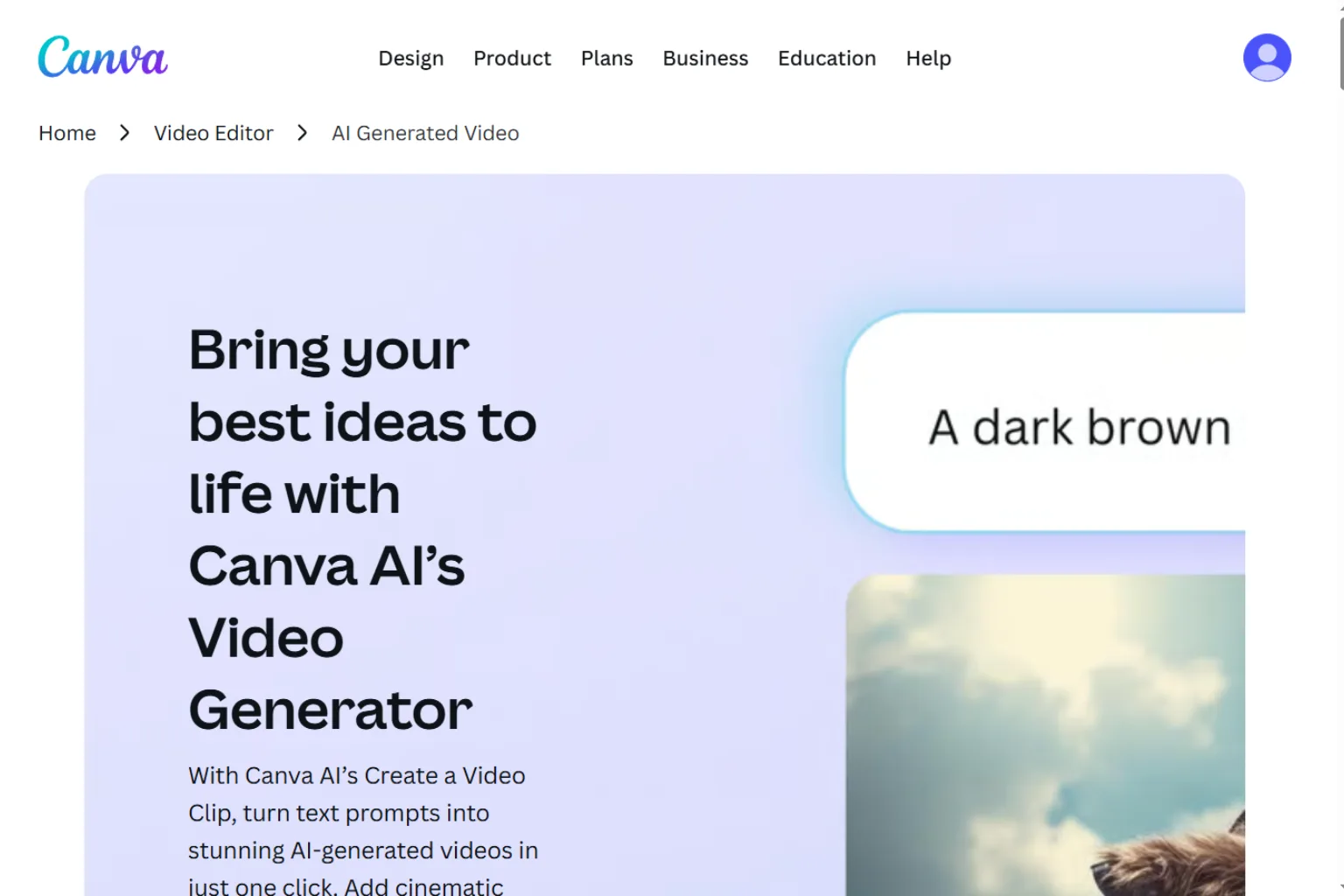
Canva is a useful Sora alternative for marketers, small businesses, teachers, and creators who need simple video assets quickly. It is not the deepest AI video model, but it has templates, design tools, brand kits, stock assets, captions, and easy export options.
For many users, that matters more than having the most advanced video model. If your final goal is a social post, presentation clip, ad, or short promo, Canva can help you create and polish the asset in one workflow.
Canva AI Video Tools are best for:
- Social media videos
- Marketing clips
- Presentation videos
- Simple ads
- Templates and branding
- Beginners and small teams
Choose Canva if you want an easy design workflow around video, not only raw AI generation.
9. HeyGen
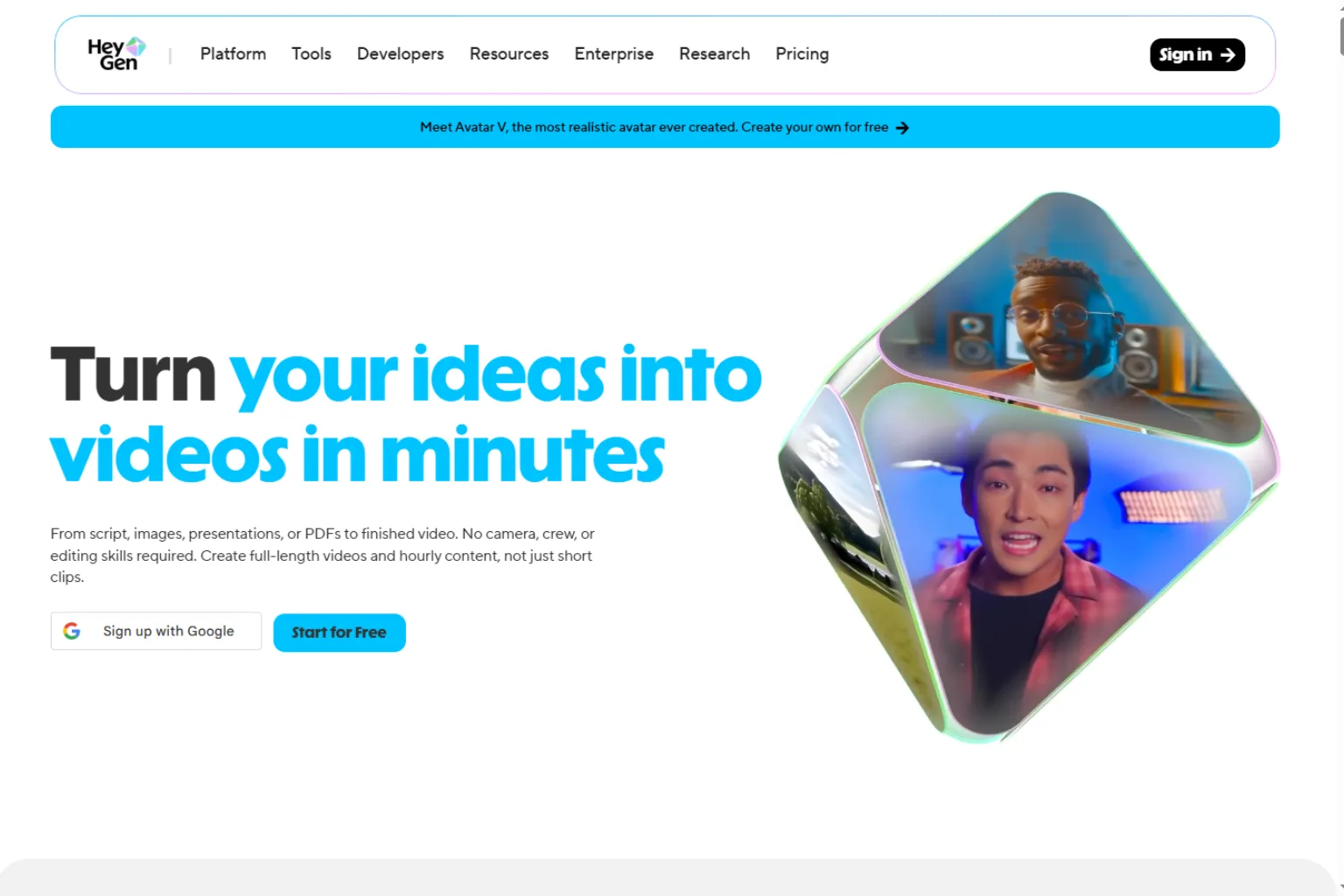
HeyGen is not a direct Sora-style cinematic generator, but it is a strong alternative if your main need is avatar video, talking-head content, training videos, product explainers, or localized presentations.
If you used Sora for general video creation but actually need a presenter, voiceover, or business video, HeyGen may be more practical than a cinematic generation model.
HeyGen is best for:
- AI avatar videos
- Talking-head presentations
- Training and onboarding
- Product explainers
- Localization
- Sales and support videos
Choose HeyGen when your video needs a speaker, presenter, or localized message.
10. CapCut AI
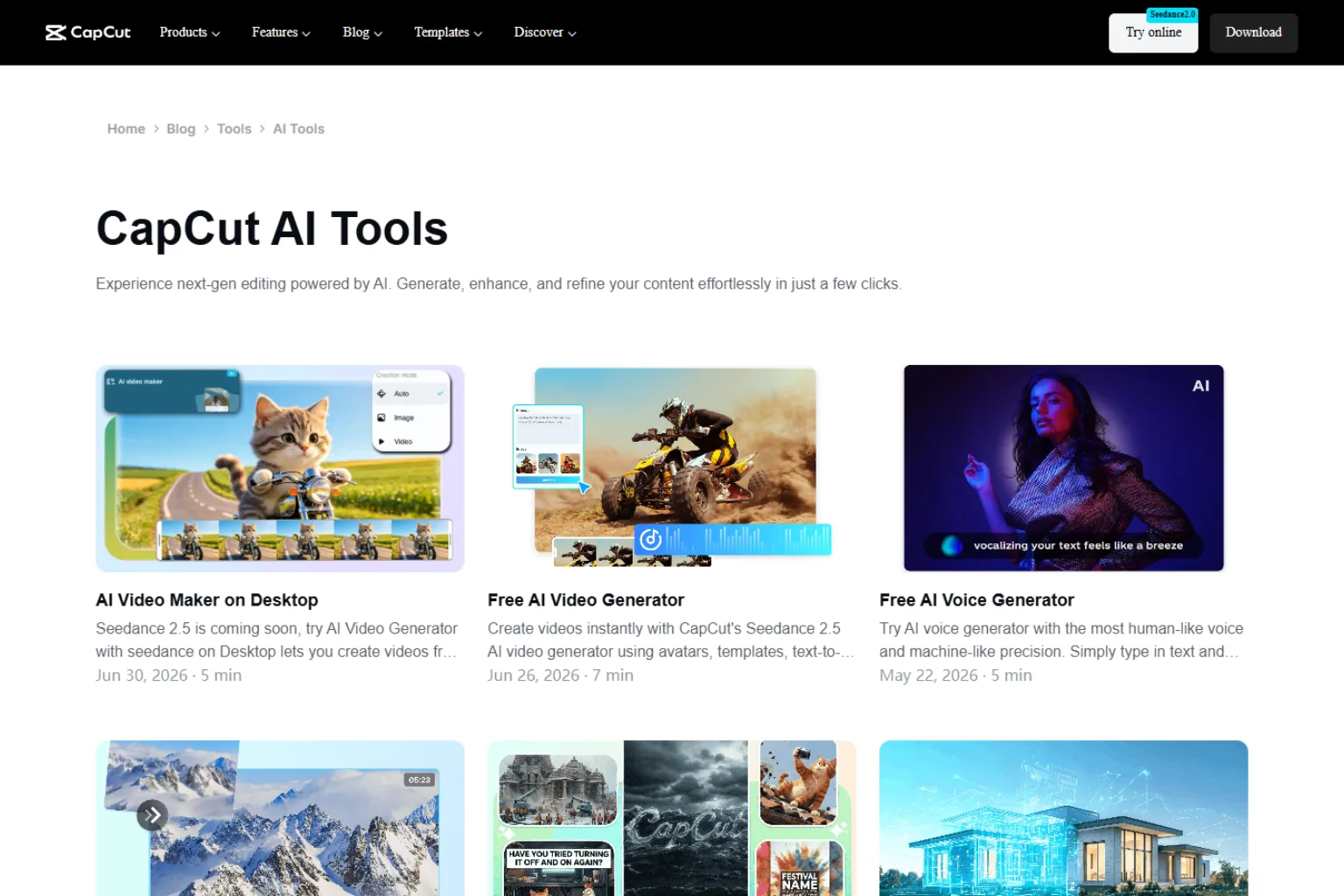
CapCut AI is a practical Sora alternative for social video editing. It is not mainly a foundation video generation model, but it is useful for turning ideas, clips, captions, effects, and templates into finished short-form content.
For creators who publish often, editing speed is sometimes more important than generation quality. CapCut helps with captions, templates, effects, transitions, resizing, and short-form optimization.
CapCut AI is best for:
- TikTok and Reels editing
- Captions and subtitles
- Short-form video templates
- Social media production
- Quick edits
- Content repurposing
Choose CapCut if you need to finish and publish social videos quickly.
How to Choose the Right Sora Alternative
The best Sora alternative depends on what you are replacing.
Choose Google Veo 3.1 if you want a high-end AI video model with native audio and API access.
Choose Runway Gen-4.5 if you want a serious creative video platform for professional production.
Choose Kling AI 3.0 if you want longer clips, native audio, and cinematic scenes.
Choose Luma AI Ray if you want to animate still images with strong cinematic motion.
Choose Pika if you want short, fun, social-friendly AI videos.
Choose Adobe Firefly Video if you want AI video inside a design workflow.
Choose Google Vids if you need business videos for work, training, or presentations.
Choose Canva if you want easy templates and social video design.
Choose HeyGen if you need avatar videos and localized talking-head content.
Choose CapCut AI if you want fast editing for short-form social content.
Sora Migration Checklist
If you previously used Sora, do not choose a replacement only by image quality. Think about your workflow first.
Use this checklist:
- Export or archive any Sora files you still need.
- List your main Sora use cases: prompts, image-to-video, API, social clips, ads, or experiments.
- Decide whether you need native audio.
- Decide whether 8-second clips are enough or whether you need longer generation.
- Test at least three tools with the same prompt.
- Compare motion quality, prompt accuracy, audio, and editing controls.
- Check pricing before moving a large workflow.
- Review commercial usage terms for client or brand work.
- If you use an API, test reliability and output cost before rebuilding.
- Keep a backup tool in case your main AI video generator changes plans or limits.
AI video tools are changing quickly. A flexible workflow is safer than depending on one platform forever.
FAQ
What is the best Sora alternative?
The best Sora alternative depends on your use case. Google Veo 3.1 is strong for high-end AI video with native audio, Runway Gen-4.5 is strong for professional creative production, Kling AI 3.0 is strong for longer clips, and Luma AI Ray is strong for cinematic image-to-video.
Is Sora still available?
The Sora web and app experiences were discontinued on April 26, 2026. The Sora API is scheduled to be discontinued on September 24, 2026. Users who depended on Sora should plan a migration.
What is the best free Sora alternative?
Free access changes often because AI video generation is expensive. Pika, Canva, and some other tools may offer limited free options or trial credits, but serious usage usually requires a paid plan.
Which Sora alternative is best for developers?
Google Veo 3.1, Luma AI, Runway, and some other platforms offer developer-oriented options. Developers should compare API access, pricing, video length, reliability, and model roadmap before migrating.
Which Sora alternative is best for social videos?
Pika, CapCut AI, Canva, and Runway can all work for social videos. Pika is good for quick creative clips, CapCut is strong for editing and captions, Canva is easy for branded templates, and Runway is stronger for polished generation.
Which Sora alternative is best for cinematic videos?
Google Veo 3.1, Runway Gen-4.5, Kling AI 3.0, and Luma AI Ray are the strongest options for cinematic video generation. Test them with the same prompt to compare motion, realism, audio, and visual style.
Is Veo 3.1 better than Sora?
For users looking in 2026, Veo 3.1 is a practical replacement because Sora’s web and app experience has already been discontinued. Veo 3.1 also offers native audio and high-end video generation through Google’s ecosystem.
Should I use one Sora alternative or several?
Many creators should use several tools. For example, you might use Veo 3.1 for cinematic clips, Runway for production control, Pika for social effects, and CapCut for editing. A multi-tool workflow is often more reliable.
Final Thoughts
Sora alternatives are no longer just backup options. In 2026, they are practical replacements for creators, teams, and developers who need to keep making AI videos after Sora’s discontinuation timeline.
If you want the strongest overall replacement, start with Google Veo 3.1, Runway Gen-4.5, Kling AI 3.0, and Luma AI Ray. If you create social content, test Pika, Canva, and CapCut. If you create business training or presenter videos, Google Vids and HeyGen may be more useful than a cinematic generator.
The best answer is not one tool. It is a workflow that matches your real video needs.
Related
AI Is Making Identity Theft Smarter: Here's How PureVPN Identity Threat Protection Keeps You a Step Ahead

AI Comic Generator: Best Tools to Create Comics Faster
How to Remove Proof from Photo Online for Free
Best AI Image Model and LoRA Download Sites: Checkpoints, LoRA and NSFW Safety

Best AI Email Writers for Work, Sales, and Everyday Messages
How to Remove Vocal from a Song? Manual Method vs AI Vocal Remover