
Table of Contents
- What Is an AI Flyer Generator?
- Why Use an AI Flyer Generator?
- Quick Comparison
- 1. Canva
- 2. Adobe Express
- 3. PosterMyWall
- 4. VistaCreate
- 5. Microsoft Designer
- 6. Fotor
- 7. Piktochart
- 8. Venngage
- 9. Picsart
- 10. ChatGPT or Copilot
- How to Choose the Right AI Flyer Generator
- AI Flyer Prompt Examples
- Mistakes to Avoid
- FAQ
What Is an AI Flyer Generator?
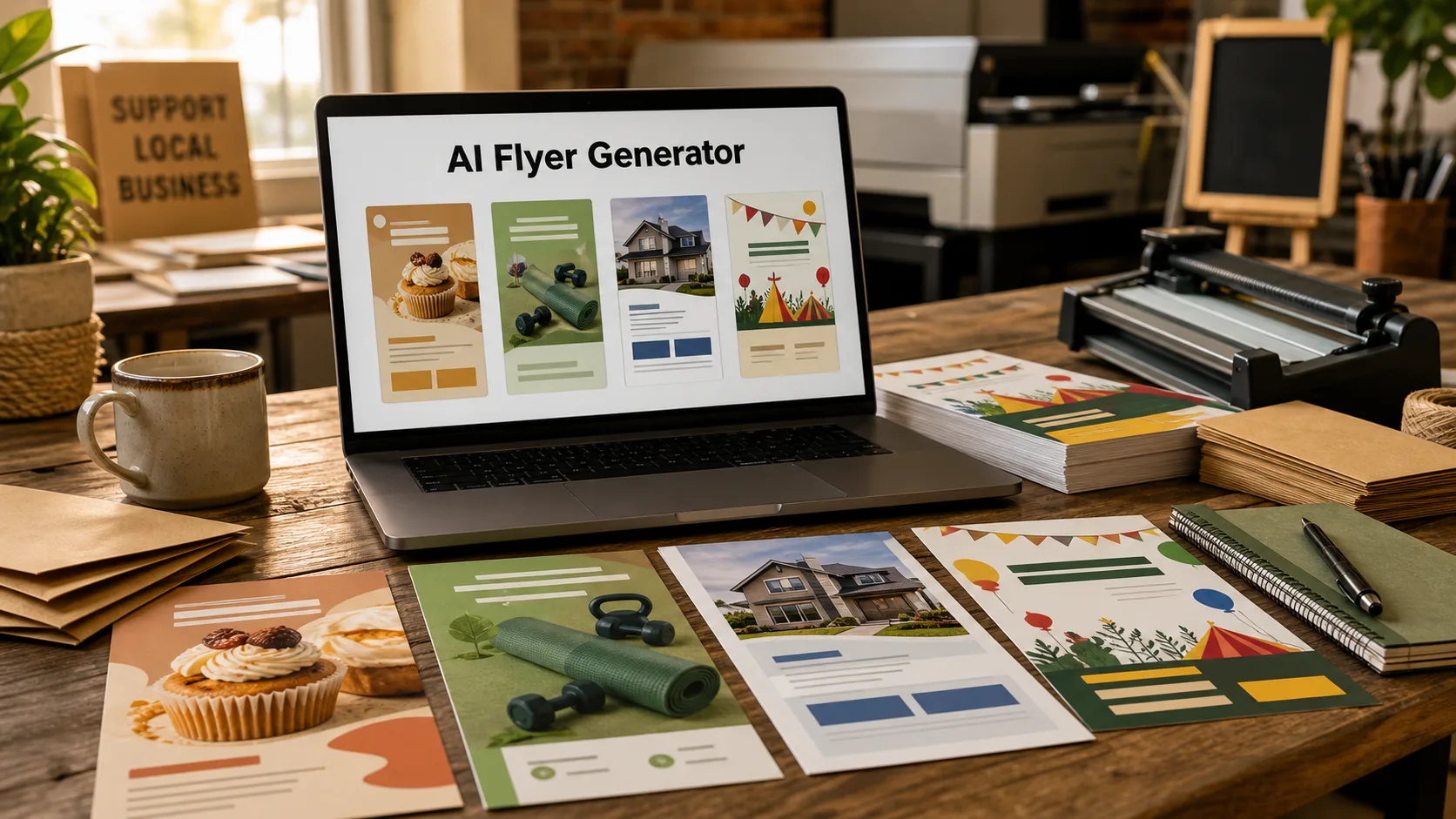
An AI flyer generator is a tool that helps users create flyer designs from a prompt, template, business description, event details, or marketing goal. It can suggest layouts, colors, headlines, images, icons, and call-to-action sections.
Flyers are usually more practical than posters. A flyer often needs to include more specific information: event date, address, discount, phone number, QR code, service list, menu item, class schedule, or contact details. That means the best AI flyer generator should make text easy to read and edit.
AI flyer generators are useful for small businesses, schools, churches, real estate agents, fitness instructors, restaurants, nonprofits, creators, and event organizers.
Why Use an AI Flyer Generator?
A flyer is often needed quickly. A local shop may need a weekend sale flyer, a gym may need a class flyer, a real estate agent may need an open house flyer, or a teacher may need a community event handout. AI can turn the basic details into a polished draft faster.
An AI flyer generator can help you:
- Create promotional flyers quickly
- Turn business details into a layout
- Generate flyer copy and headlines
- Use templates without starting from scratch
- Resize designs for print, email, or social media
- Create multiple design versions
- Save money on simple marketing materials
- Help non-designers create professional-looking flyers
The final flyer still needs human review, especially for dates, prices, addresses, phone numbers, and QR codes.
Quick Comparison
| Tool | Best For | Main Strength | Possible Limitation |
|---|---|---|---|
| Canva | General business flyers | Templates, AI design tools, easy editing | Popular templates may look familiar |
| Adobe Express | Branded flyer designs | Polished design tools and brand assets | Best for users who like Adobe workflows |
| PosterMyWall | Event and promo flyers | Large flyer template library | Less custom for advanced brand systems |
| VistaCreate | Small business designs | Templates, social formats, and quick edits | Less advanced for complex design systems |
| Microsoft Designer | Prompt-based flyer ideas | Fast AI-generated layouts | May need edits for print details |
| Fotor | Flyer design and photo editing | AI editing plus templates | Better for simpler flyer needs |
| Piktochart | Informational flyers | Clear layouts for education and business info | Less flashy for creative event flyers |
| Venngage | Business and nonprofit flyers | Professional layouts, diagrams, and templates | More formal design style |
| Picsart | Social-first flyers | Creative effects and mobile editing | May be less print-focused |
| ChatGPT or Copilot | Flyer copy and planning | Headlines, offers, structure, and prompts | Needs another design tool for final flyer |
1. Canva
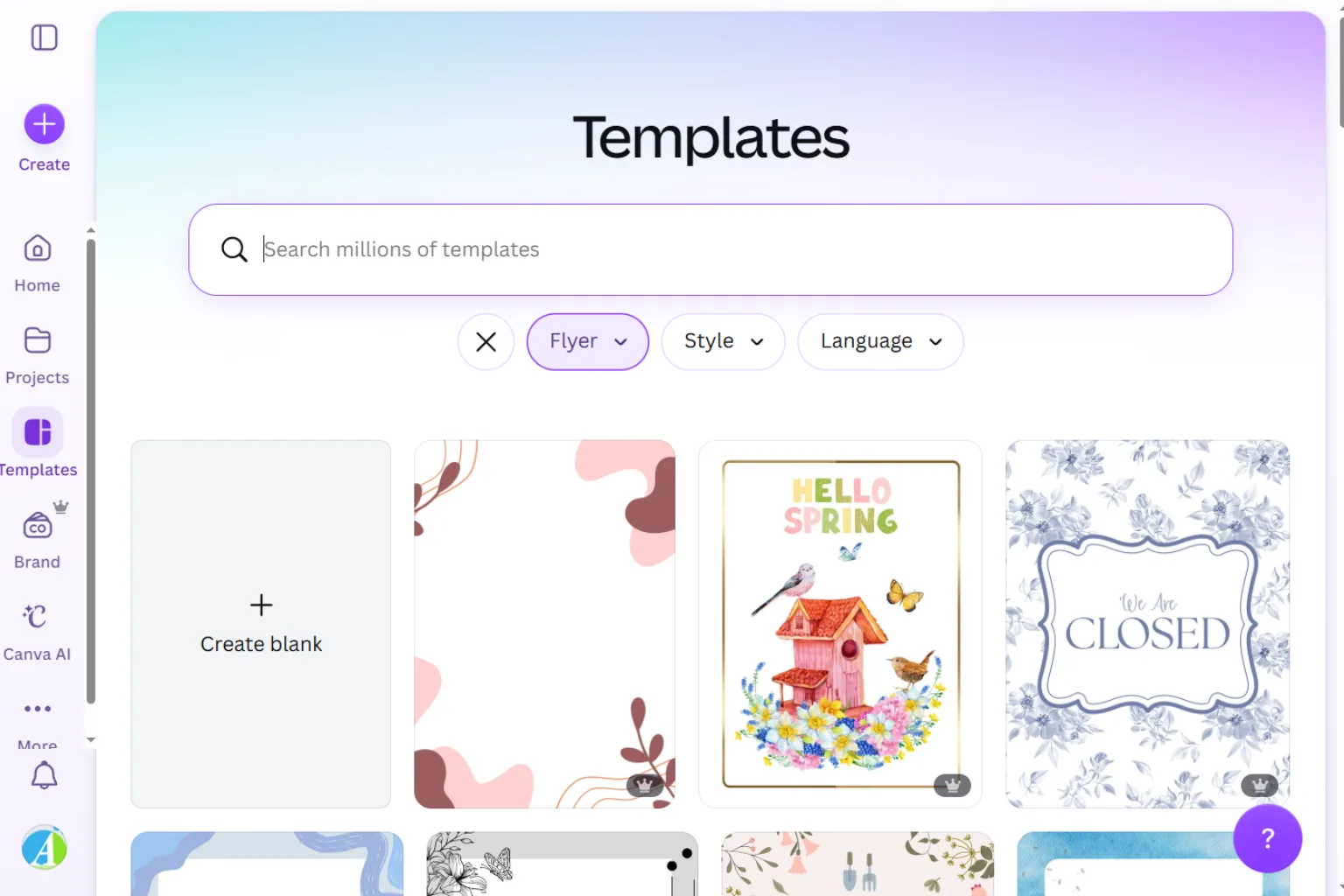
Canva is one of the easiest AI flyer generators for most users. It offers flyer templates, AI writing tools, image tools, brand kits, QR code support, resizing, and print-friendly export options.
Canva is best for:
- Business flyers
- Event flyers
- Restaurant promotions
- School flyers
- Real estate flyers
- Social media versions
Choose Canva if you want a beginner-friendly flyer maker with many templates.
2. Adobe Express
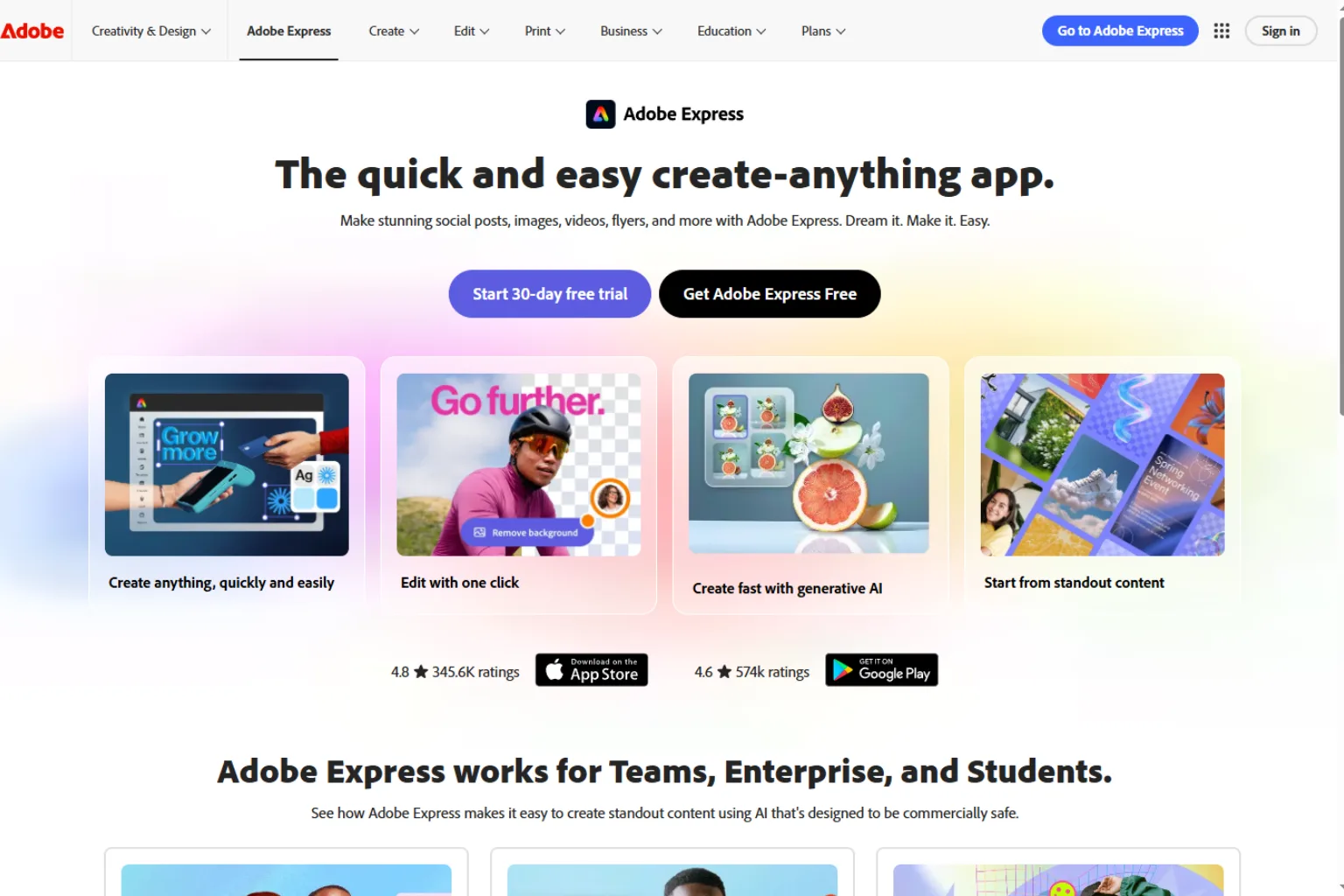
Adobe Express is useful for creating polished flyers with brand colors, fonts, images, and layouts. It is a strong choice for small businesses, creators, and marketers who want cleaner designs without using a complex professional tool.
Adobe Express is best for:
- Branded flyers
- Business promotions
- Event announcements
- Social graphics
- Quick edits
- Adobe users
Choose Adobe Express if you want a clean flyer design workflow with professional polish.
3. PosterMyWall
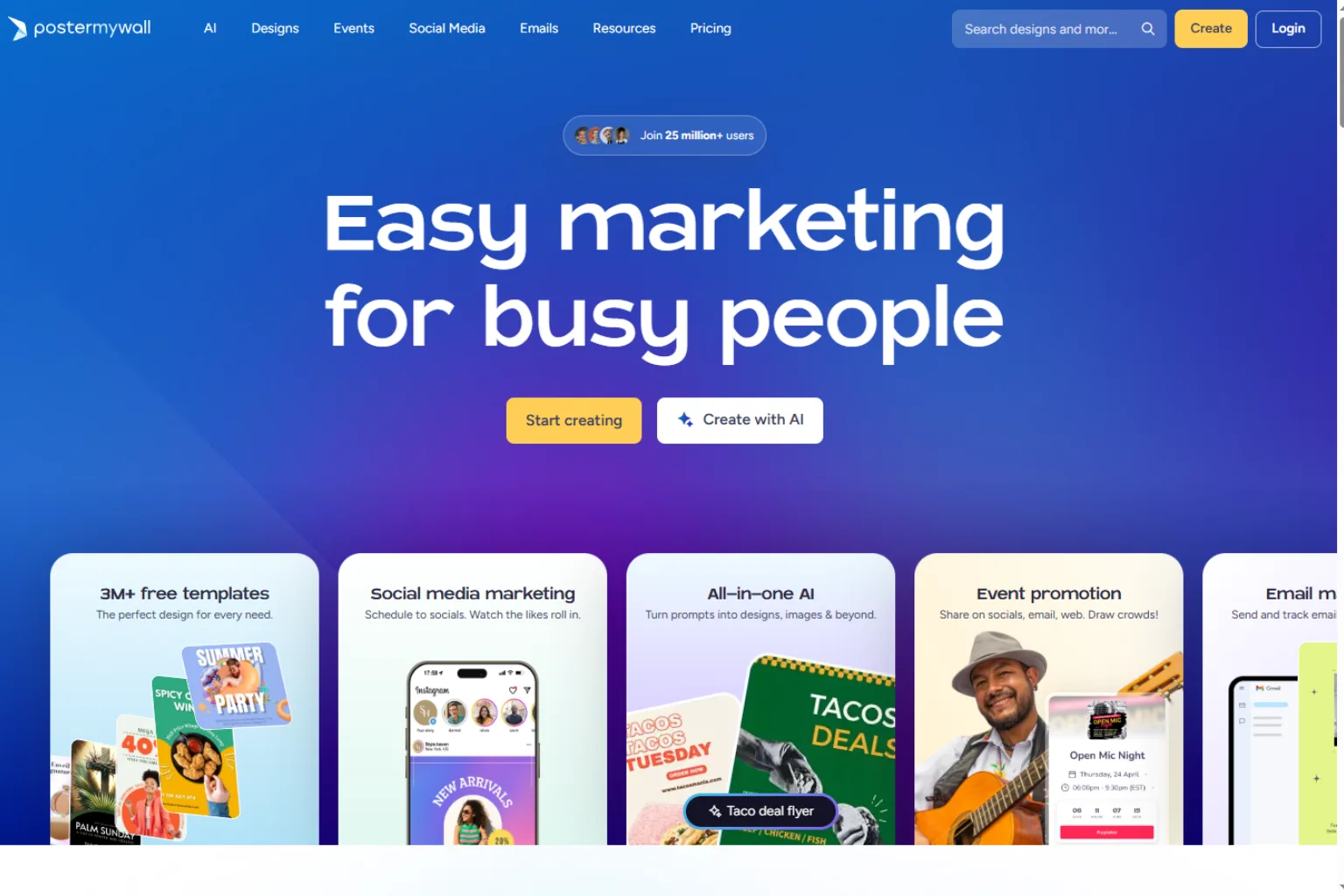
PosterMyWall is practical for flyers, posters, menus, invitations, and promotional graphics. It is especially useful for local events, restaurants, churches, schools, clubs, and small business promotions.
PosterMyWall is best for:
- Event flyers
- Church flyers
- Restaurant promotions
- Club announcements
- Community events
- Template-based designs
Choose PosterMyWall if you want many ready-to-edit flyer templates.
4. VistaCreate
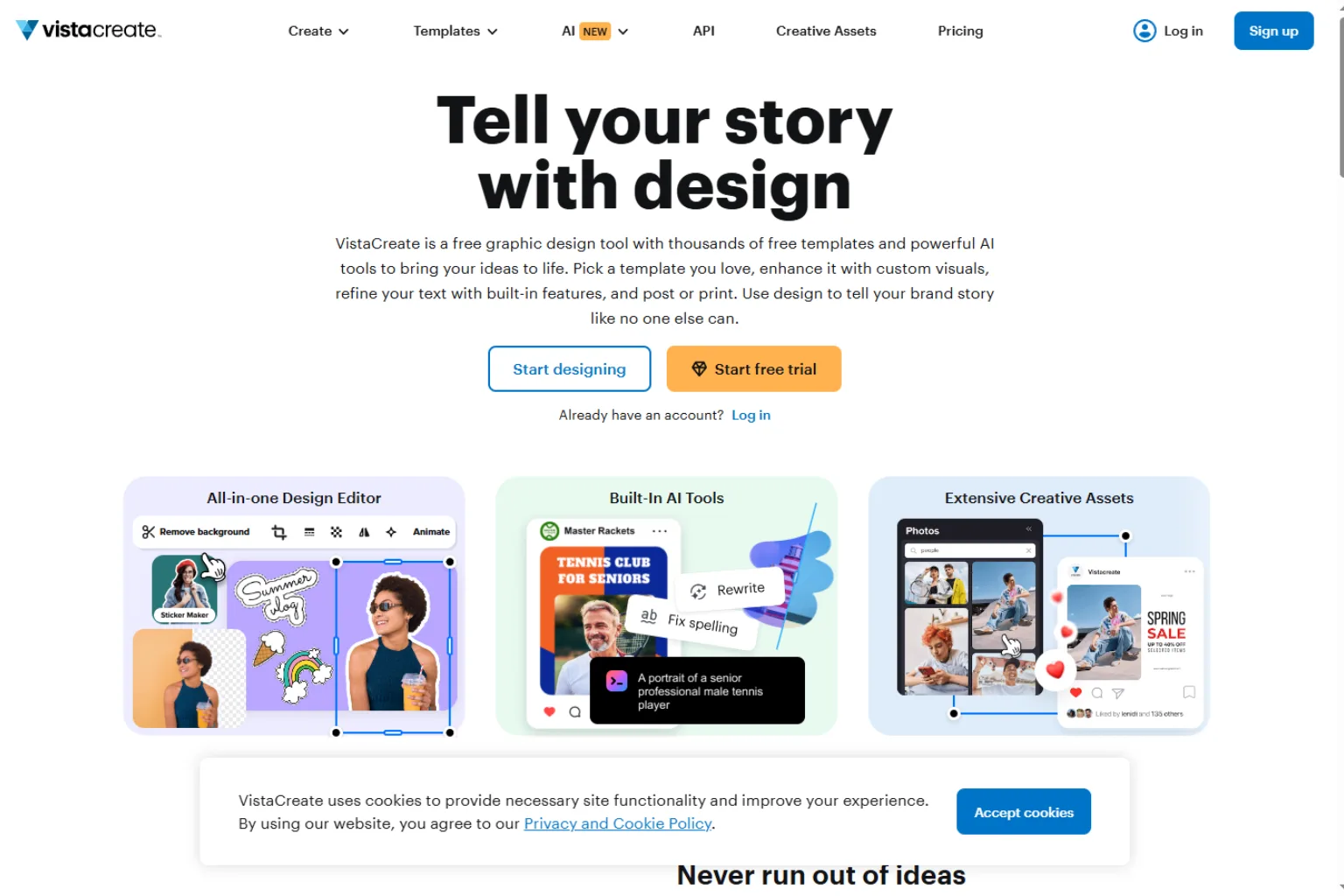
VistaCreate is a useful flyer maker for small businesses and social media marketers. It offers templates, design assets, easy editing, and multiple formats for digital and print use.
VistaCreate is best for:
- Small business flyers
- Sale announcements
- Social media graphics
- Event promotion
- Simple brand designs
- Quick template editing
Choose VistaCreate if you want a flexible design tool for both flyers and social posts.
5. Microsoft Designer
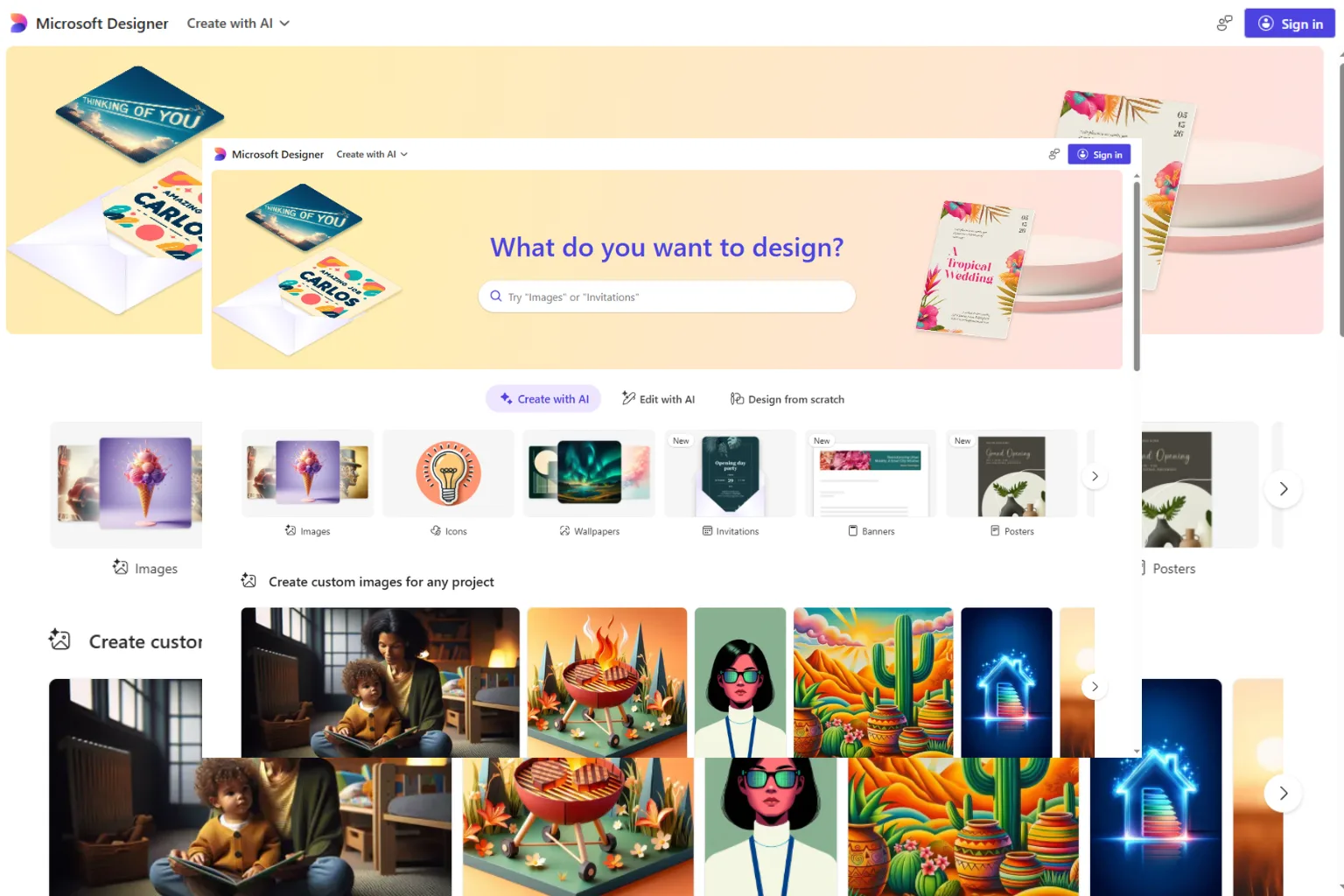
Microsoft Designer can help generate quick flyer ideas from prompts. It is useful when you need a starting concept for an event, sale, service, or announcement.
Microsoft Designer is best for:
- Prompt-based flyer drafts
- Simple business flyers
- Event announcements
- Microsoft users
- Quick concept generation
- Beginner-friendly design
Choose Microsoft Designer if you want a fast AI-assisted design draft.
6. Fotor
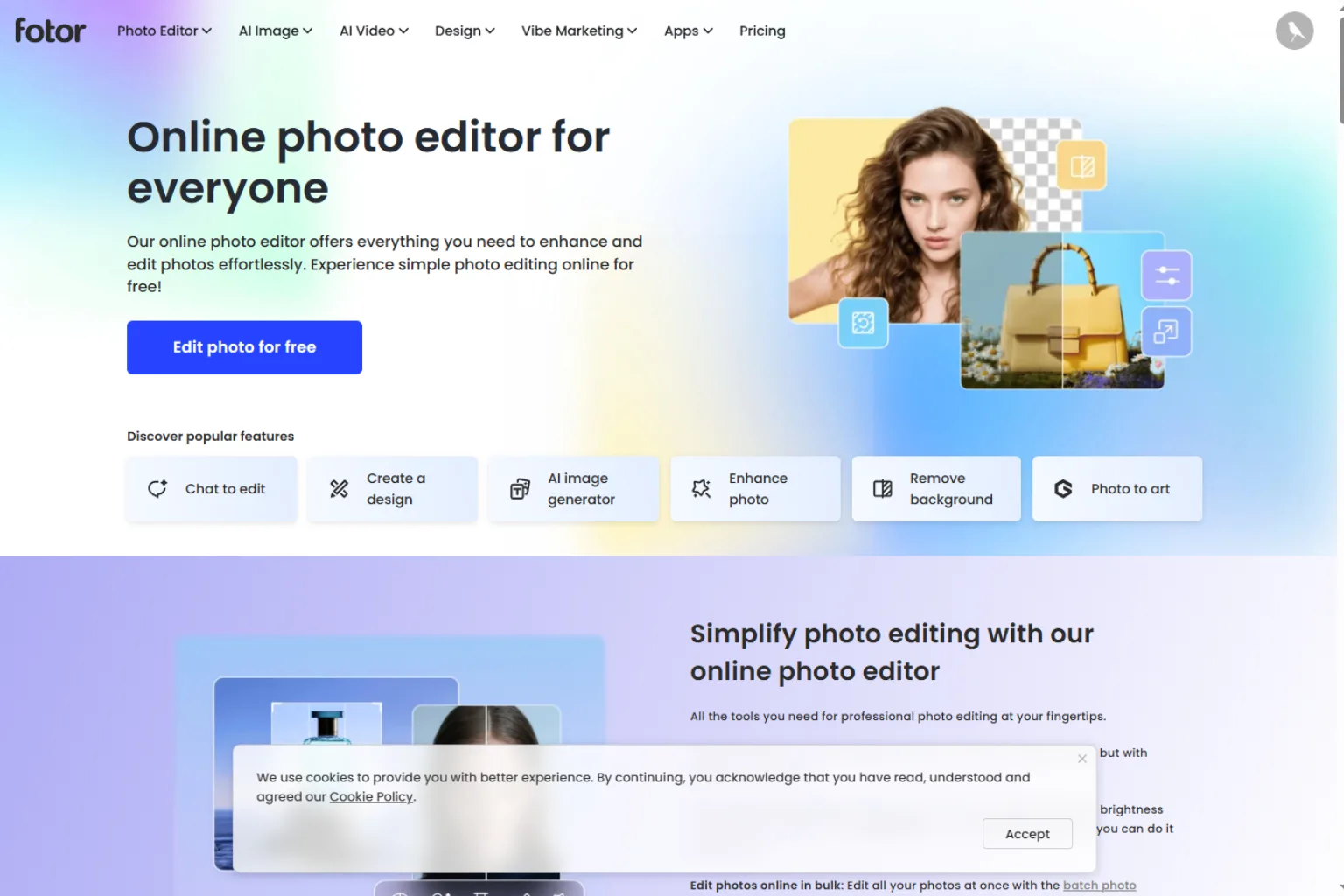
Fotor combines design templates with photo editing and AI image tools. It is useful for creating flyers that include product photos, event images, or promotional graphics.
Fotor is best for:
- Promotional flyers
- Photo-based flyers
- Simple event flyers
- Image editing
- Social graphics
- Quick design drafts
Choose Fotor if your flyer needs both image editing and template design.
7. Piktochart
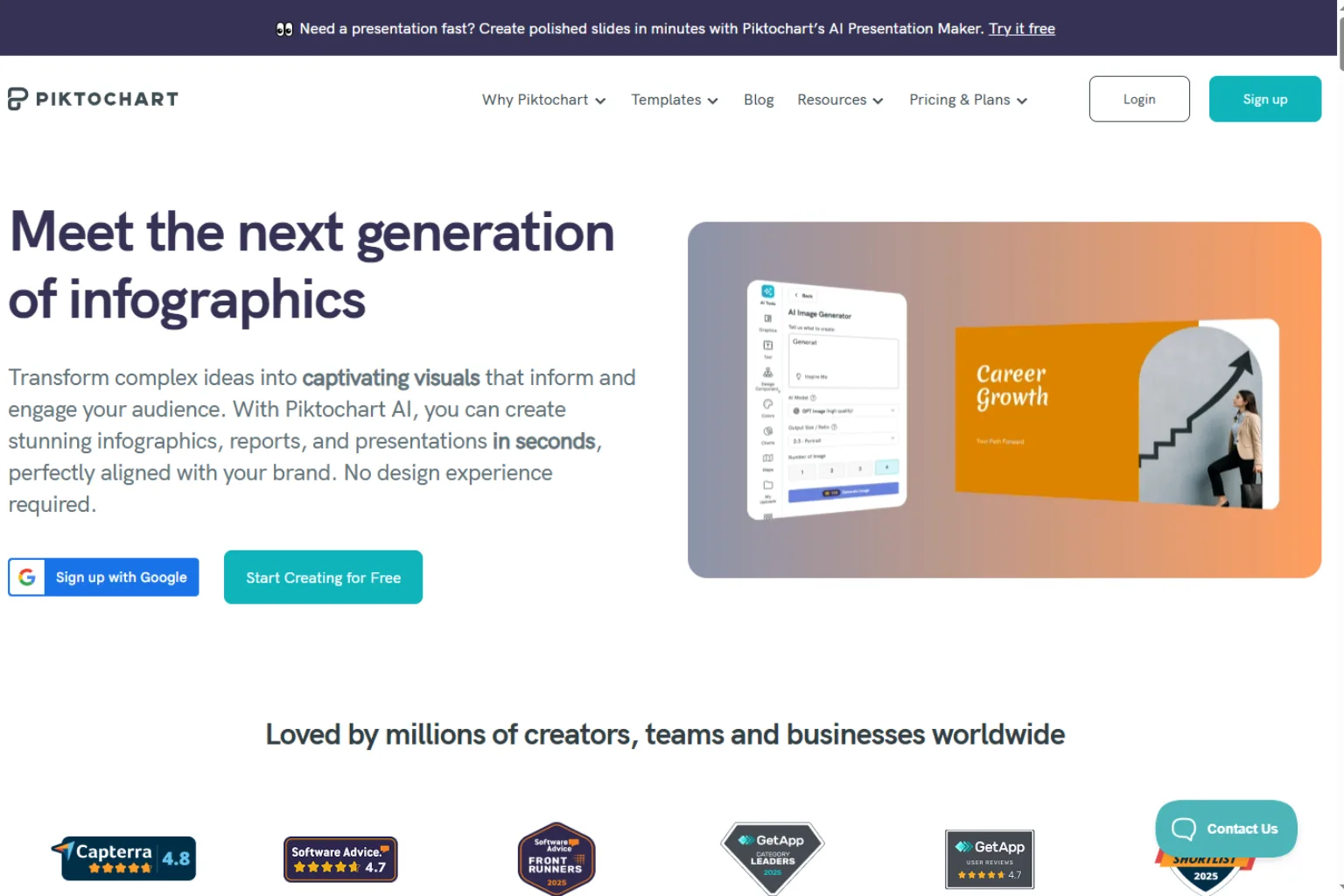
Piktochart is a good flyer generator for informational designs, educational handouts, nonprofit flyers, business explainers, and data-friendly layouts. It is not the flashiest option, but it is strong for clarity.
Piktochart is best for:
- Informational flyers
- Nonprofit flyers
- Educational handouts
- Business summaries
- Charts and icons
- Clean readable layouts
Choose Piktochart if your flyer needs to explain information clearly.
8. Venngage
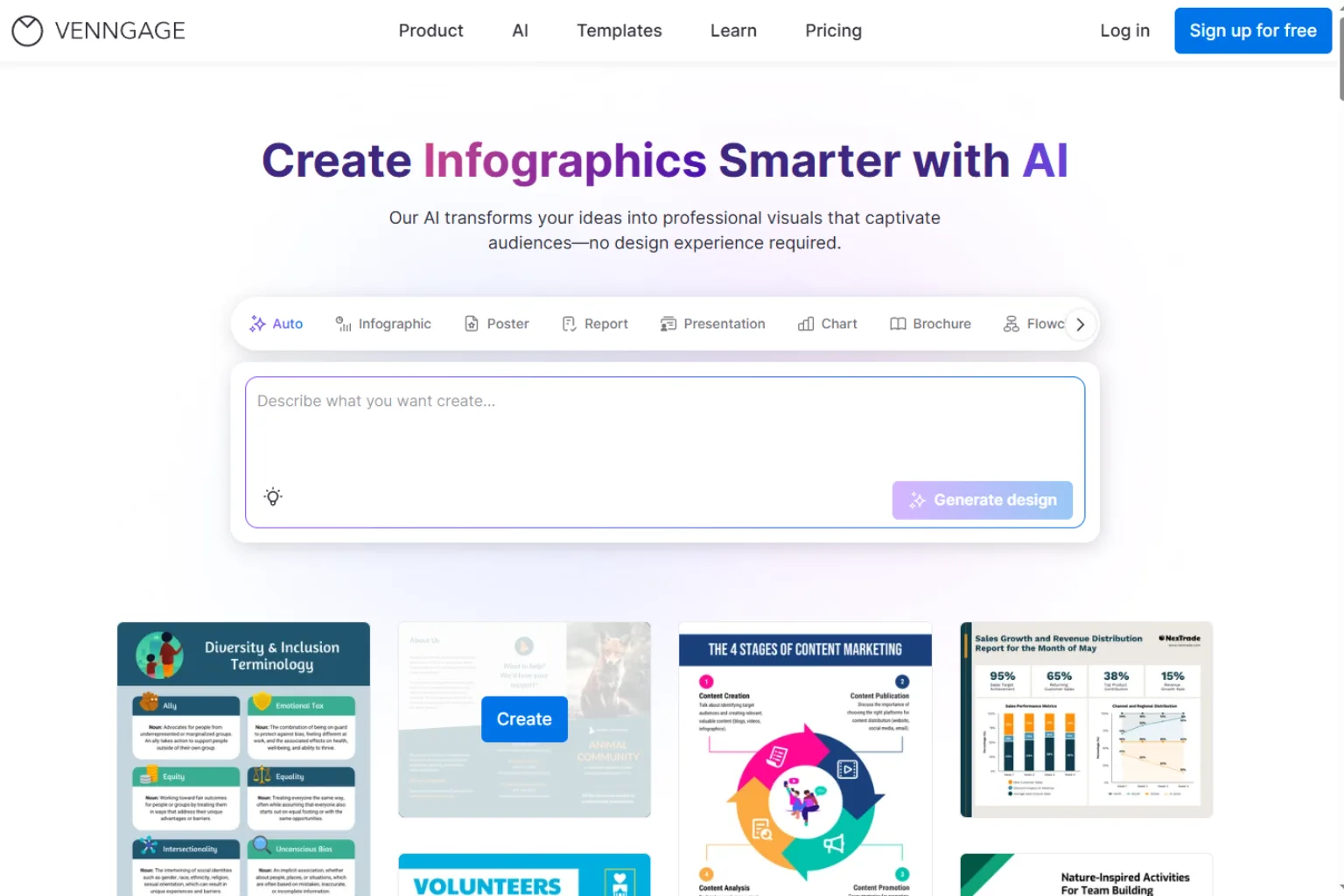
Venngage is useful for business flyers, nonprofit materials, informational handouts, and professional templates. It is especially good when the flyer needs structure, icons, sections, and visual explanation.
Venngage is best for:
- Business flyers
- Nonprofit flyers
- Training handouts
- Professional layouts
- Informational design
- Brand-friendly templates
Choose Venngage if your flyer needs a polished business or nonprofit style.
9. Picsart
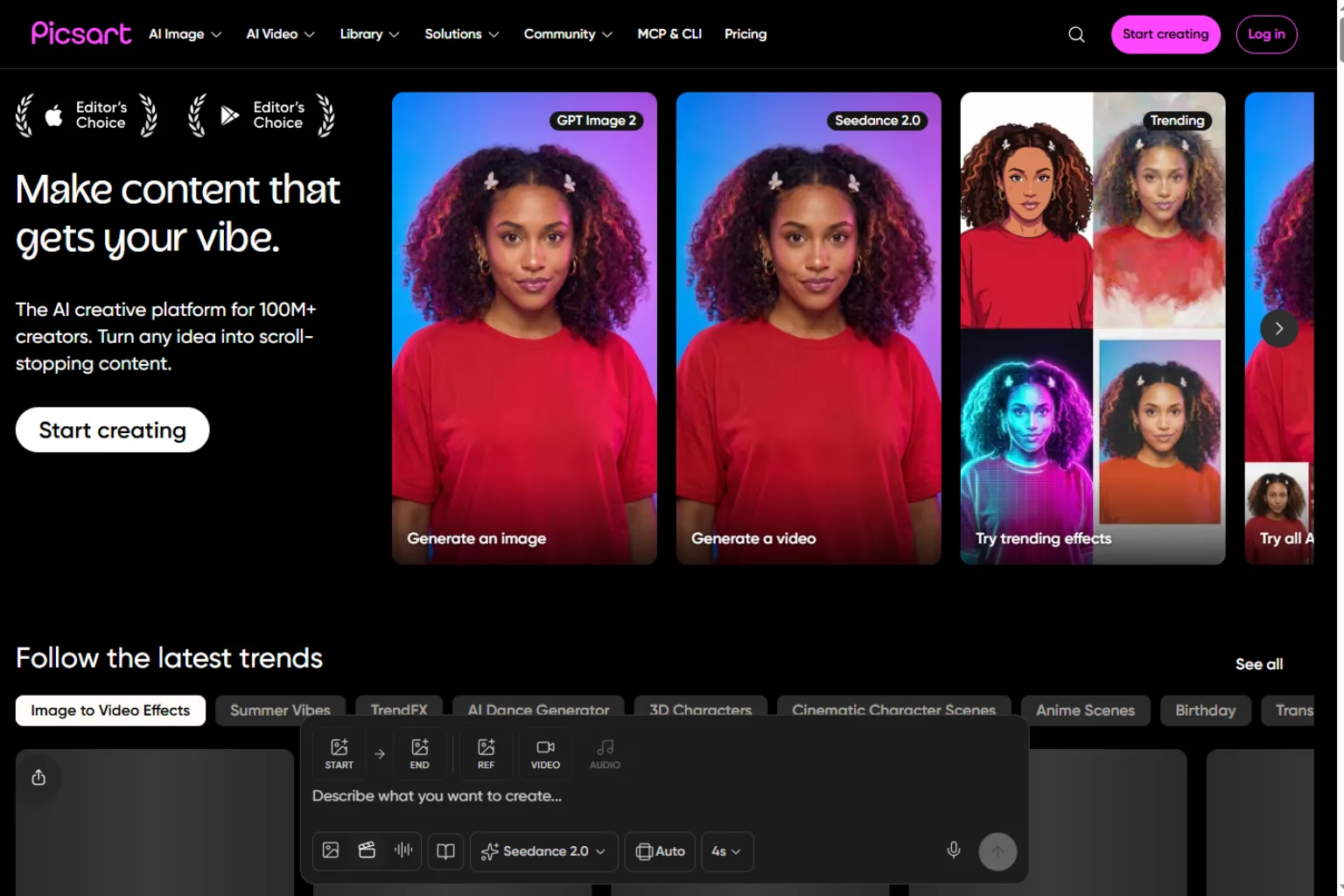
Picsart is a good option for social-first flyer designs, especially if you want bold effects, stickers, background edits, and quick mobile creation. It is useful for party flyers, creator promotions, pop-up events, and social campaigns.
Picsart is best for:
- Social media flyers
- Party flyers
- Creator events
- Bold effects
- Mobile editing
- Youthful visual styles
Choose Picsart if your flyer is mainly for digital sharing and social promotion.
10. ChatGPT or Copilot
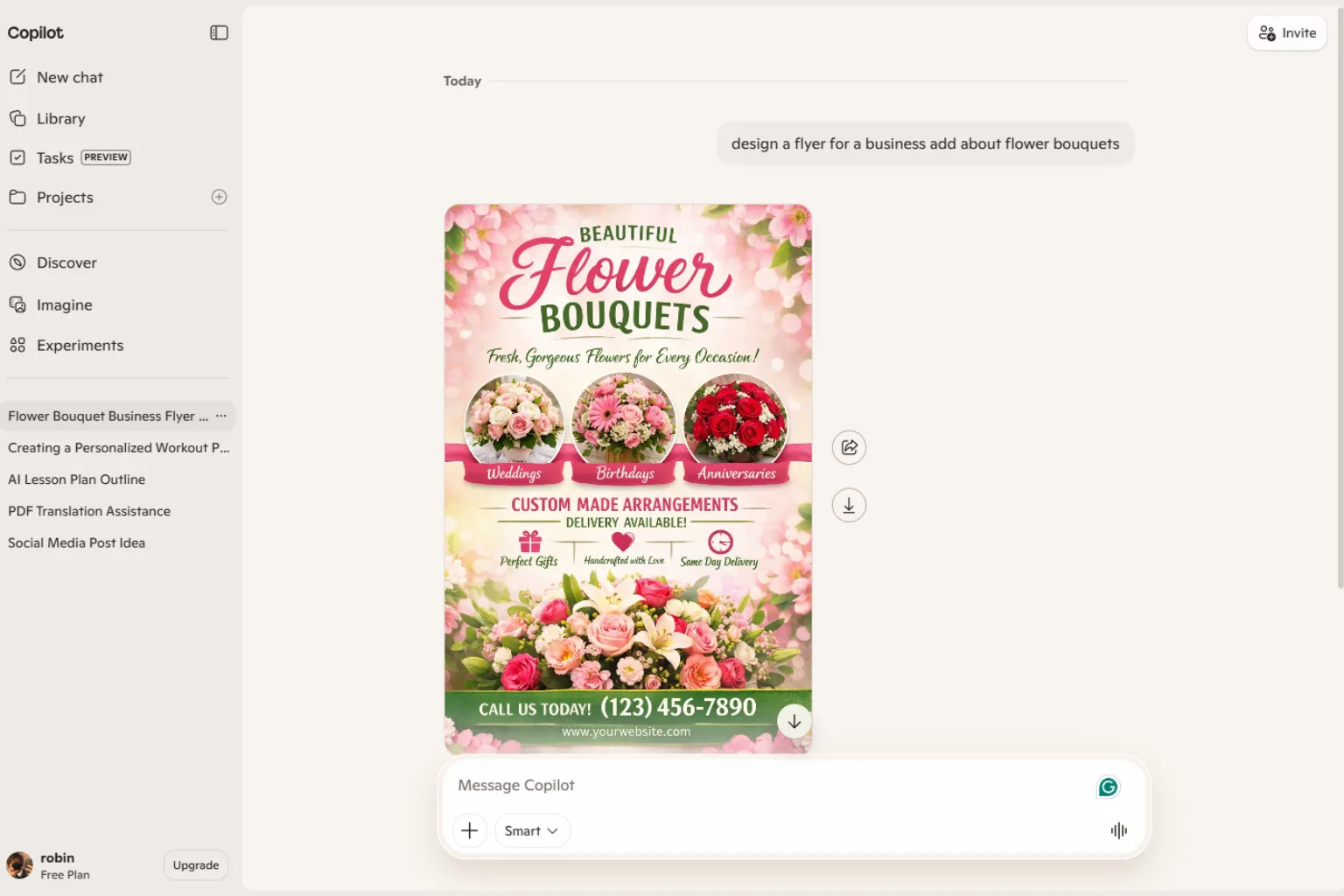
ChatGPT or Copilot can help plan the flyer before you design it. They can write headlines, offer copy, event descriptions, CTA text, layout suggestions, and prompts for AI design tools.
They are best for:
- Flyer copywriting
- Offer ideas
- Design briefs
- CTA suggestions
- Layout planning
- Prompt writing
Choose a general AI assistant if you need better words and structure before opening a design tool.
How to Choose the Right AI Flyer Generator
Choose Canva or Adobe Express for general business flyers. Choose PosterMyWall for event and community templates. Choose VistaCreate for quick small business designs. Choose Piktochart or Venngage for informational flyers. Choose Picsart for social-first flyer styles. Use ChatGPT or Copilot to improve flyer copy and structure.
Before choosing, ask:
- Is the flyer for print, social media, email, or all three?
- Does it need a lot of text?
- Do I need a QR code, address, phone number, or coupon code?
- Is this for a local business, event, class, church, or real estate listing?
- Do I need brand colors and fonts?
- Will the flyer be printed professionally?
- Does the tool support the correct size and export format?
AI Flyer Prompt Examples
Create a flyer for a weekend bakery sale. Use warm colors, a friendly local business style, large headline, product photo area, discount section, date, address, and QR code placeholder.Design a real estate open house flyer. Include a large property photo area, price placeholder, address placeholder, agent contact area, three feature bullets, and a clean professional layout.Create a fitness class flyer for beginners. Use energetic but friendly colors, schedule section, instructor name placeholder, call-to-action button, and space for a QR code.Make a community event flyer for a weekend family fair. Use playful illustrations, clear date and location areas, activity list, sponsor section, and a warm local feel.Mistakes to Avoid
Avoid these common flyer mistakes:
- Using small text that is hard to read
- Forgetting the date, time, location, or CTA
- Adding too many sections
- Using low-resolution images
- Ignoring print margins and bleed
- Making the QR code too small
- Using colors with poor contrast
- Publishing without checking contact details
- Letting AI invent addresses, prices, or phone numbers
Flyers need to be beautiful, but they also need to be practical.
FAQ
What is the best AI flyer generator?
Canva is one of the best all-around AI flyer generators. Adobe Express is strong for polished branded designs, PosterMyWall is useful for event templates, and Piktochart or Venngage are good for informational flyers.
Can AI make a flyer from a prompt?
Yes. Many AI flyer generators can create a flyer draft from a text prompt. You should still review the layout, text, contact details, and print settings.
Is there a free AI flyer generator?
Some tools offer free plans, free templates, or limited AI credits. Free versions are useful for drafts, but premium features may be needed for print-ready exports or brand assets.
What should a flyer include?
A flyer should include a clear headline, short supporting copy, key details, strong visual, date or offer, contact information, and a call to action.
Can AI make real estate flyers?
Yes. AI flyer tools can help create real estate flyers with property photos, feature bullets, agent details, open house information, and clean layouts.
Can AI flyers be printed?
Yes, but check resolution, size, margins, bleed, and file format before printing. Always proofread carefully.
Which AI flyer generator is best for local businesses?
Canva, Adobe Express, PosterMyWall, and VistaCreate are good choices for local businesses because they are easy to use and offer many practical templates.
Final Thoughts
An AI flyer generator can help small businesses, event organizers, schools, churches, real estate agents, and creators produce promotional materials quickly. The best tool depends on whether you need a print-ready flyer, social graphic, business handout, or event announcement.
For most users, Canva and Adobe Express are the easiest starting points. PosterMyWall is great for event templates, VistaCreate works well for small business designs, and Piktochart or Venngage are better for information-heavy flyers.
Related
Best AI Interior Design App in 2026: Top 5 Tools to Try

The 7 Best AI Video Generators in 2026
AI Comic Generator: Best Tools to Create Comics Faster
Virtual Try-On in 2025: The AI Tools Changing How We Shop
15 Best Free Ebook Sites to Download and Read Books Legally in 2026
6 Best AI Rewriter Tools in 2026 for Clearer, More Natural Content