5 Best Wallpaper Maker Tools in 2026
Compare 5 top Wallpaper Maker tools for phone, desktop, branded, aesthetic, and AI-generated backgrounds, with pros, cons, and best use cases.
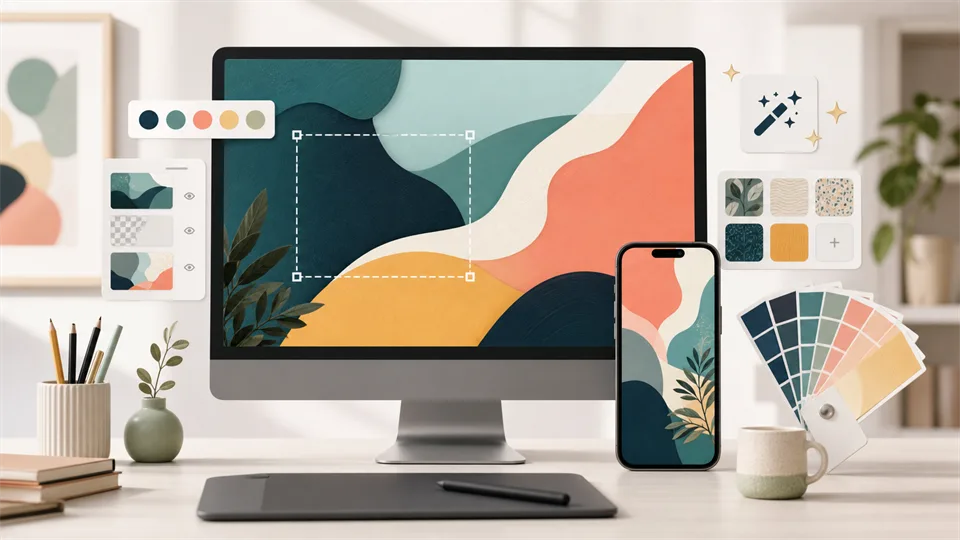

A good wallpaper can make a device feel more personal, organized, and visually calm. It can also help a brand, creator, or small business keep a consistent look across phones, desktops, tablets, social channels, and presentation screens. The hard part is not finding an image. It is creating a wallpaper that fits the right screen size, keeps important details away from app icons, and looks polished instead of stretched or cluttered.
That is where a Wallpaper Maker is useful. Instead of starting with a blank canvas and guessing the dimensions, these tools give you templates, photo editing features, text controls, design assets, background removers, AI image tools, and export settings. Some are best for fast phone wallpapers. Some are better for branded desktop backgrounds. Others are useful if you want to turn prompts, photos, illustrations, or mood boards into custom wallpaper designs.
This guide compares five of the best Wallpaper Maker tools for different needs: beginners, professional-looking branded designs, AI-generated wallpapers, social-style edits, and template-based creative projects.
Table of Contents
- How I Chose the Best Wallpaper Makers
- Wallpaper Makers at a Glance
- 1. Canva
- 2. Adobe Express
- 3. Fotor
- 4. Picsart
- 5. VistaCreate
- Which Wallpaper Maker Should You Choose?
- Tips for Making Better Wallpapers
- FAQ
How I Chose the Best Wallpaper Makers
Wallpaper design sounds simple until you try to make one that works on a real screen. A phone wallpaper needs empty space around icons and widgets. A desktop wallpaper should not make folders and menu bars hard to see. A tablet background may need both portrait and landscape versions. If you are creating wallpapers for a brand or content project, you also need consistent colors, fonts, and export quality.
For this list, I looked at each Wallpaper Maker from a practical design perspective:
1. Template quality: Good templates make it easier to start with the right layout, aspect ratio, and visual balance.
2. Device formats: The tool should support phone, desktop, tablet, or custom dimensions without making resizing painful.
3. Editing control: Useful wallpaper tools need crop, resize, text, color, layers, background editing, and image adjustment controls.
4. Asset library: Photos, illustrations, icons, patterns, textures, frames, and design elements can speed up the creative process.
5. AI features: AI image generation, background removal, image expansion, and style tools can help create more original wallpapers.
6. Ease of use: A Wallpaper Maker should be friendly enough for beginners but not too limited for users who want polish.
7. Export quality: The final wallpaper should download cleanly in common formats such as PNG or JPG.
8. Free vs paid limits: Free plans are useful, but watermarks, premium assets, storage limits, and export restrictions matter.
No tool can guarantee a perfect wallpaper from a poor source image. A blurry photo, low-resolution graphic, or overly busy layout will still look weak. The best results come from combining the right dimensions, strong contrast, clean spacing, and a visual style that matches the screen where the wallpaper will be used.
Wallpaper Makers at a Glance
| Wallpaper Maker | Best for | Standout strengths | Main limitation |
|---|---|---|---|
| Canva | Best overall Wallpaper Maker | Huge template library, easy resizing, brand kits, stock assets, simple editor | Some premium templates, photos, and assets require Pro |
| Adobe Express | Best for polished branded wallpapers | Adobe-quality templates, quick actions, generative AI features, clean export workflow | Best value comes if you already use Adobe tools |
| Fotor | Best AI Wallpaper Maker for creative backgrounds | AI image generation, photo effects, background tools, design templates | Some AI and HD export features may require credits or a paid plan |
| Picsart | Best Wallpaper Maker for aesthetic and social-style edits | Mobile-friendly editing, trendy effects, stickers, AI tools, collage features | Can feel less structured for formal brand or office wallpapers |
| VistaCreate | Best template-based wallpaper maker for small teams | Strong templates, animation/design assets, brand kits, easy content resizing | Smaller ecosystem than Canva or Adobe Express |
1. Canva
Best overall Wallpaper Maker
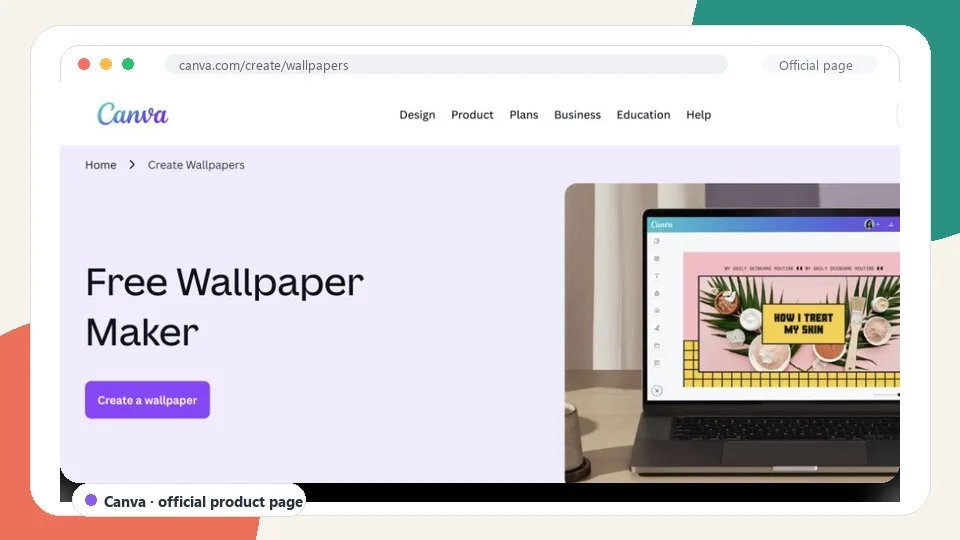
Canva is the best overall Wallpaper Maker for most users because it combines a simple editor with a large library of wallpaper templates, photos, illustrations, fonts, shapes, and design elements. You can start from a ready-made phone or desktop wallpaper layout, replace the image, adjust the text, change the colors, and export a finished background without needing professional design software.
The biggest advantage is flexibility. Canva works well for personal wallpapers, inspirational quote backgrounds, minimalist phone screens, desktop organizers, classroom wallpapers, creator-branded backgrounds, and seasonal designs. If you need to make multiple versions, Canva also makes it easy to duplicate a design and resize it for a phone, tablet, laptop, or social media background.
Canva is especially useful for beginners. The interface is visual, the templates are easy to edit, and most common tasks are straightforward: crop a photo, change a font, add a gradient, remove a background, upload a logo, or align elements on the canvas. Users who manage a brand can also use brand kits to keep colors, fonts, and logos consistent.
The limitation is that Canva can feel template-heavy if you want a completely original wallpaper from scratch. Some of the best images, graphics, and brand features are also part of Canva Pro. Still, for everyday wallpaper design, it is the easiest tool to recommend first.
Key functions
- Phone and desktop wallpaper templates
- Custom dimensions for different screens
- Photo editing, crop, resize, and filters
- Text, fonts, icons, illustrations, frames, and shapes
- Background remover and AI-assisted design features
- Brand kit support for logos, colors, and fonts
- PNG and JPG export
- Web, desktop, and mobile apps
Pros
- Best all-around Wallpaper Maker for beginners
- Very large template and asset library
- Works well for phone, desktop, and branded wallpapers
- Easy resizing and duplication
- Good collaboration features for teams
- Strong free plan for casual users
Cons
- Some premium assets require Canva Pro
- Designs can look generic if you do not customize templates enough
- Advanced photo manipulation is limited compared with dedicated editors
Verdict
Choose Canva if you want one Wallpaper Maker that can handle almost everything: quick phone wallpapers, clean desktop backgrounds, brand wallpapers, quote designs, and seasonal visuals. It is not the most advanced image editor, but it is the best balance of ease, templates, and practical design control.
2. Adobe Express
Best Wallpaper Maker for polished branded designs
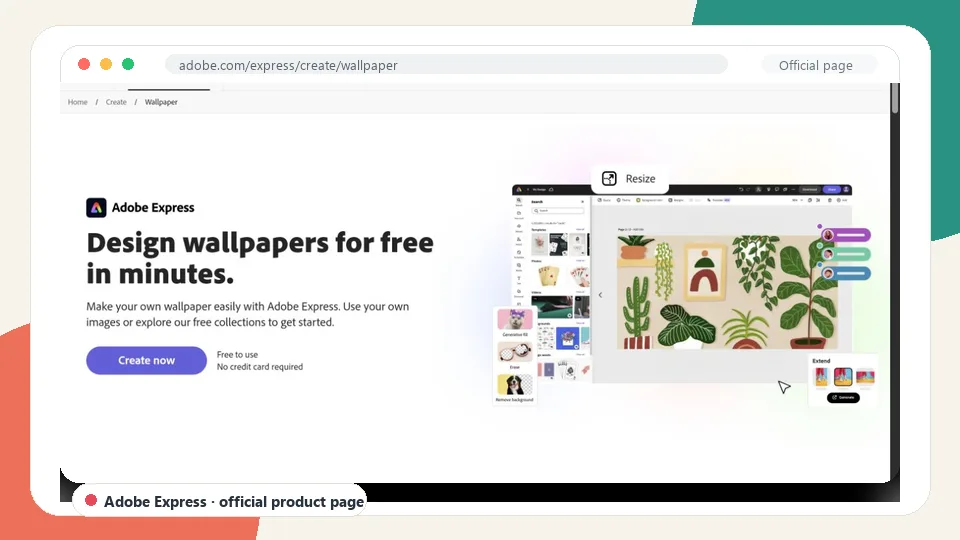
Adobe Express is a strong Wallpaper Maker for users who want clean, professional-looking wallpapers without opening Photoshop or Illustrator. It offers templates, stock assets, text effects, quick editing actions, and Adobe Firefly-powered generative AI features. The result is a tool that feels friendly for beginners but still carries some of Adobe’s design polish.
Adobe Express works especially well for branded wallpapers, office backgrounds, creator visuals, event wallpapers, school designs, and simple marketing-style backgrounds. You can start with a template, add brand colors, upload images, use text effects, generate design elements, and export a finished wallpaper for desktop or mobile use.
Its AI features are a useful bonus. Depending on the task, you can generate images, create text effects, remove backgrounds, and experiment with different looks faster than you could with a fully manual workflow. This makes Adobe Express a good choice if you want a wallpaper that feels more custom than a basic template but do not want to design every element yourself.
The main tradeoff is ecosystem value. Adobe Express is useful on its own, but it becomes more attractive if you already use Adobe tools, Adobe fonts, stock assets, or Creative Cloud. If you only need a quick personal phone wallpaper, Canva may feel simpler. If you want a polished brand-friendly wallpaper maker, Adobe Express is excellent.
Key functions
- Wallpaper templates for different screen styles
- Custom design canvas and resizing tools
- Adobe Stock-style assets and design elements
- Text effects, fonts, icons, and layout controls
- Generative AI features powered by Adobe Firefly
- Background removal and quick image actions
- Brand controls for colors, logos, and fonts
- PNG and JPG export
Pros
- Polished templates and clean visual style
- Good for branded wallpapers and professional backgrounds
- Useful AI generation and editing tools
- Works well for creators, schools, and small businesses
- Easier than Photoshop for quick wallpaper projects
Cons
- Some features and assets require a paid plan
- Best for users who like the Adobe ecosystem
- Less template volume than Canva in some casual categories
Verdict
Choose Adobe Express if you want a Wallpaper Maker that produces polished, brand-ready results. It is a strong option for business desktops, creator backgrounds, event visuals, and clean wallpapers that need to look more professional than casual.
3. Fotor
Best AI Wallpaper Maker for creative backgrounds
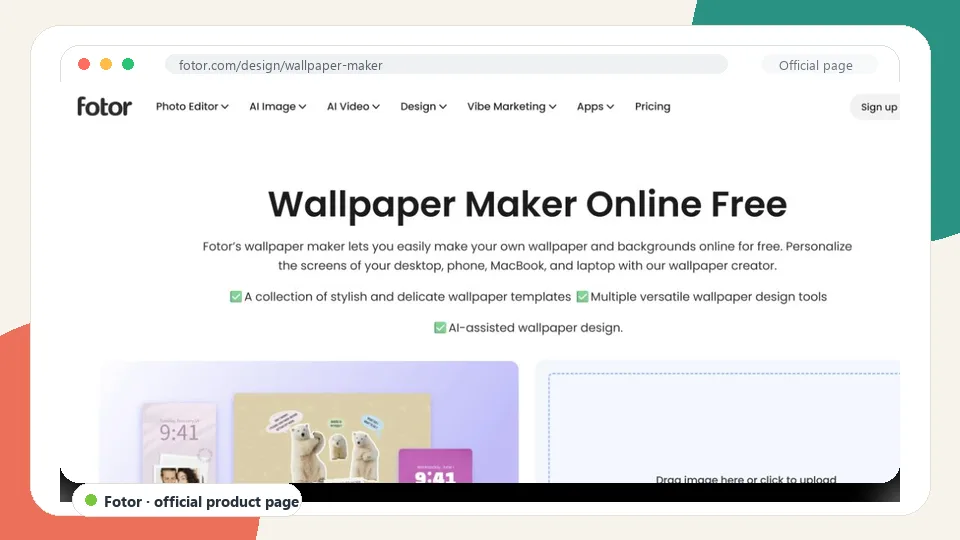
Fotor is a good Wallpaper Maker if you want to combine templates, photo editing, and AI image tools. It is especially useful for users who want wallpapers that start from an idea instead of an existing photo. For example, you can create abstract backgrounds, fantasy scenes, anime-style wallpapers, nature-inspired images, futuristic textures, or personalized aesthetic designs.
Compared with Canva and Adobe Express, Fotor leans more toward image editing and AI creativity. That makes it a strong choice for users who want a more visual wallpaper rather than a template with text and graphics. You can edit photos, apply filters, adjust colors, use AI generation tools, remove backgrounds, and prepare a wallpaper for phone or desktop screens.
Fotor is also practical for creating mood-based wallpapers. If you want a calming pastel background, a dark cinematic desktop, a cyberpunk phone wallpaper, a watercolor-style landscape, or an artistic portrait background, Fotor gives you more room to experiment with image styles. It can be a good middle ground between a simple design tool and a more complex image editor.
The limitation is that AI and high-quality export features may be tied to credits or paid plans. Results can also vary depending on the prompt, source image, and selected style. Still, if your main goal is creative wallpaper rather than template editing, Fotor deserves a place on the list.
Key functions
- Wallpaper design templates
- AI image generation for custom backgrounds
- Photo filters, effects, color adjustment, and retouching
- Background remover and object editing tools
- Text and design elements
- Custom canvas sizes
- PNG and JPG export
- Browser-based workflow
Pros
- Strong for AI-generated wallpaper ideas
- Good photo editing tools compared with basic template editors
- Useful for abstract, artistic, portrait, and aesthetic wallpapers
- Beginner-friendly enough for casual users
- Good option for users who want creative image-first designs
Cons
- Some AI tools may require credits
- Template library is not as broad as Canva’s
- AI results may need several attempts to look right
Verdict
Choose Fotor if you want an AI Wallpaper Maker that can help turn ideas, prompts, or edited photos into custom backgrounds. It is especially useful for artistic, fantasy, aesthetic, and image-heavy wallpaper designs.
4. Picsart
Best Wallpaper Maker for aesthetic and social-style edits
Picsart is a strong choice for users who want wallpapers with a modern, expressive, social-media-friendly look. It is popular for edits that use stickers, filters, cutouts, overlays, collage layouts, AI effects, text, and trendy visual styles. If you want a phone wallpaper that feels personal, playful, or aesthetic, Picsart is one of the easiest tools to use.
The main strength of Picsart is speed. You can take a photo, remove the background, add visual effects, layer stickers, adjust colors, create a collage, apply AI filters, and export a wallpaper from a mobile-friendly editor. It is a good fit for creator wallpapers, profile-style backgrounds, fan edits, quote wallpapers, mood boards, and lock screen designs.
Picsart is less formal than Adobe Express and less structured than Canva. That can be a benefit if you want something expressive rather than corporate. It is also helpful for people who create wallpapers directly from their phones, because the mobile editing experience is one of Picsart’s strengths.
The downside is that Picsart can feel busy. Some templates and effects may be locked behind paid plans, and the design environment is not always ideal for precise brand layouts or desktop organizer wallpapers. But for aesthetic phone backgrounds, it is a very practical Wallpaper Maker.
Key functions
- Photo editing and cutout tools
- Stickers, overlays, filters, and effects
- AI image and editing features
- Collage and layout tools
- Text, fonts, and decorative elements
- Mobile-friendly workflow
- Custom canvas and export options
- Social-style templates and visual effects
Pros
- Great for aesthetic phone wallpapers
- Strong mobile editing experience
- Good for personal, creator, and social-style designs
- Lots of effects, stickers, and overlays
- Fast workflow for casual edits
Cons
- Can feel visually busy for simple wallpaper projects
- Some premium effects require a paid plan
- Less suitable for formal branded desktop wallpapers
Verdict
Choose Picsart if you want a Wallpaper Maker for expressive phone wallpapers, lock screens, fan edits, creator visuals, and aesthetic designs. It is not the most restrained tool, but it is fun, fast, and flexible.
5. VistaCreate
Best template-based Wallpaper Maker for small teams
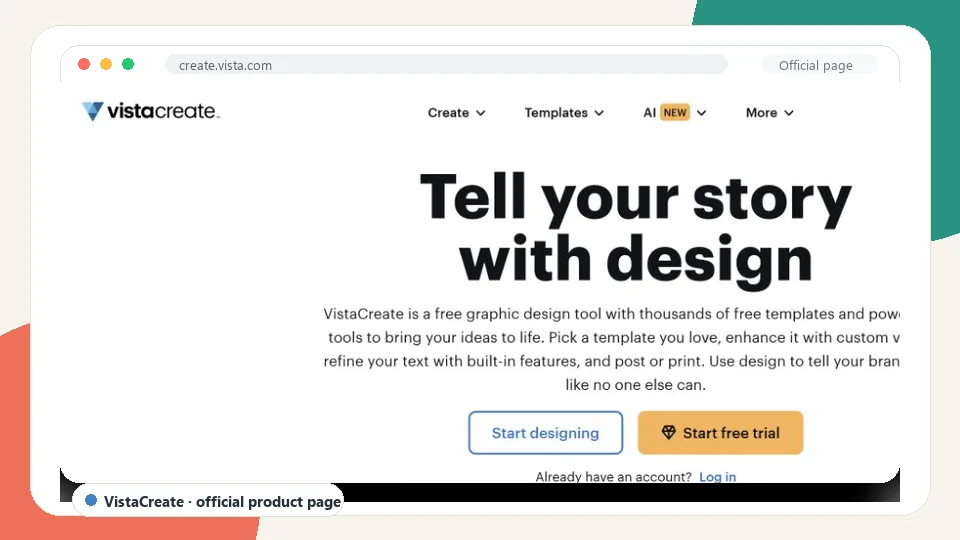
VistaCreate is a template-based design tool that works well for wallpapers, social graphics, marketing visuals, posters, presentations, and brand content. It is not as widely known as Canva, but it offers a clean editor, attractive templates, stock assets, design elements, background tools, and brand kit features. For users who want a familiar design workflow without using the most common tool, VistaCreate is a solid alternative.
As a Wallpaper Maker, VistaCreate is best for users who like starting from templates. You can create phone wallpapers, desktop backgrounds, quote designs, seasonal visuals, abstract layouts, and branded backgrounds with a straightforward drag-and-drop editor. The tool is also useful for small teams that want to keep a consistent design style across wallpapers and other visual content.
VistaCreate’s biggest strength is its balance of simplicity and design variety. It is easy to add text, replace images, adjust colors, use design objects, and create multiple versions of a wallpaper. It also supports brand kits, which can help if you are making wallpapers for a company, school, event, or creator identity.
The limitation is ecosystem size. Canva has a larger community and broader template library. Adobe Express has deeper Adobe integration. Picsart has stronger social editing energy. Fotor has more obvious AI image-generation appeal. VistaCreate sits in the middle, which makes it less flashy but still useful.
Key functions
- Wallpaper and design templates
- Drag-and-drop design editor
- Stock photos, videos, objects, and backgrounds
- Text, fonts, colors, shapes, and animations
- Brand kit tools
- Background removal on supported plans
- Custom dimensions and resizing
- PNG and JPG export
Pros
- Clean alternative to Canva
- Good template quality
- Useful for small teams and branded visuals
- Easy drag-and-drop editing
- Works for wallpapers and broader design content
Cons
- Smaller ecosystem than Canva
- Some premium assets and features require paid access
- Less focused on AI wallpaper generation than Fotor
Verdict
Choose VistaCreate if you want a template-first Wallpaper Maker for clean, attractive wallpapers and small-team brand content. It is not the most advanced option, but it is easy to use and produces professional-looking results quickly.
Which Wallpaper Maker Should You Choose?
Choose Canva if you want the best overall Wallpaper Maker with the largest mix of templates, assets, resizing tools, and beginner-friendly controls.
Choose Adobe Express if you want polished branded wallpapers, professional backgrounds, and useful AI features inside a clean design workflow.
Choose Fotor if you want an AI Wallpaper Maker for creative image generation, artistic styles, photo effects, and visual experimentation.
Choose Picsart if you mostly create phone wallpapers, aesthetic edits, lock screens, social-style designs, collages, and expressive personal backgrounds.
Choose VistaCreate if you want a clean template-based alternative for small teams, brand wallpapers, quote backgrounds, and simple visual content.
For most people, Canva is the safest first choice. It is easy, flexible, and practical for many wallpaper styles. Adobe Express is better for polished professional work. Fotor is stronger for AI-generated visual backgrounds. Picsart is best for personal and mobile-first creativity. VistaCreate is a good alternative if you like template-driven design but want something outside the Canva ecosystem.
Tips for Making Better Wallpapers
Start with the right dimensions. A wallpaper that looks sharp on one device may crop badly on another.
Keep important details away from the edges. Phones, tablets, and desktops often place icons, widgets, docks, or menu bars over the background.
Use contrast carefully. A beautiful wallpaper can become annoying if app labels or folders are hard to read.
Do not overload the design with text. Short quotes, initials, dates, or brand names work better than long paragraphs.
Create separate versions for phone and desktop. Cropping one image into every format usually leads to awkward compositions.
Use high-resolution images. Low-resolution photos will look soft or pixelated on modern screens.
Leave breathing room. Negative space helps the wallpaper feel calmer and makes the interface easier to use.
Match the wallpaper to the screen’s purpose. A work desktop may need a quiet background, while a phone lock screen can be more expressive.
Test the wallpaper before finalizing it. Apply it to the actual device and check how it looks with icons, widgets, and dark or light mode.
Save an editable version. If you later need a different size, color, or logo placement, editing the source file is much easier than rebuilding the design.
FAQ
What is the best Wallpaper Maker overall?
Canva is the best Wallpaper Maker overall for most users because it offers a large template library, easy editing tools, custom dimensions, stock assets, brand kits, and simple export options. It works well for both phone and desktop wallpapers.
What is the best free Wallpaper Maker?
Canva, Adobe Express, Fotor, Picsart, and VistaCreate all offer free options, but limits vary. Canva is usually the easiest free starting point for templates, while Picsart is strong for mobile edits and Fotor is useful for AI-style creative backgrounds.
Can I make a wallpaper for my phone online?
Yes. Most online wallpaper makers let you create phone wallpapers by choosing a mobile wallpaper template or setting custom dimensions. Canva, Adobe Express, Fotor, Picsart, and VistaCreate can all help create phone-friendly backgrounds.
What size should a phone wallpaper be?
It depends on the device. Common phone wallpaper sizes include 1080 x 1920, 1170 x 2532, 1242 x 2688, and similar vertical formats. If you are not sure, use your device’s screen resolution or choose a template inside the Wallpaper Maker.
What size should a desktop wallpaper be?
Common desktop wallpaper sizes include 1920 x 1080, 2560 x 1440, and 3840 x 2160. For best results, match the wallpaper to your monitor resolution.
Can I use AI to create wallpapers?
Yes. Tools like Fotor and Adobe Express include AI features that can help generate images, create effects, remove backgrounds, or turn ideas into visual backgrounds. AI works best when you give it a clear style, subject, color direction, and aspect ratio.
Which Wallpaper Maker is best for aesthetic wallpapers?
Picsart is especially good for aesthetic phone wallpapers because it offers filters, stickers, overlays, cutouts, AI effects, and mobile-friendly editing. Canva and Fotor are also good choices depending on whether you prefer templates or AI-generated backgrounds.
Which tool is best for branded wallpapers?
Adobe Express and Canva are the strongest choices for branded wallpapers. Both support brand colors, fonts, logos, and clean layout tools. VistaCreate is also a good option for small teams that want template-based brand visuals.
Can I sell wallpapers made with these tools?
It depends on the tool, plan, assets, and license terms. If you use stock photos, templates, fonts, or AI-generated elements, review the commercial use policy before selling the wallpaper. When in doubt, use your own photos, original graphics, or properly licensed assets.
Why does my wallpaper look blurry after export?
The source image may be too small, the canvas may not match your screen resolution, or the wallpaper may have been compressed. Use a high-resolution canvas, export in good quality, and avoid stretching small images to fit large screens.
Latest Reviews
5 Best Photo Printers for Home Use in 2026

Gemini 4 Argon Review: Coding, Pricing, Long Context and NSFW Limits

Top 10 AI Models in 2026: Arena Rankings, Prices and Best Uses
Matrix-Game 4.0 Review: RTX 5090 AI Games, Setup and NSFW Limits
Nanosaur 2 Review: What a 670M Anime Image Model Can (and Can’t) Do
The 6 Best 3D Printers We Tested in 2026