OnlyDoc Review: Is This Online PDF Tool Worth Using?
Discover whether OnlyDoc is worth using for PDF conversion, compression, OCR, translation, editing, and e-signatures. Explore its features, pros, cons, and best use cases.

PDF tasks have a way of showing up at inconvenient moments. Maybe you need to turn a Word file into a PDF before sending it, shrink a document that is too large to email, or pull text from a scanned page. In situations like these, downloading and learning a full desktop program can feel like overkill.
That is where OnlyDoc comes in. It is a browser-based PDF toolkit that brings together file conversion, compression, OCR, translation, editing, and other document tools in one place. But does it actually make PDF work easier, and is it a tool you can trust with your files?
Table of Contents
- What Is OnlyDoc?
- What Can You Do With It?
- How Easy Is It to Use?
- How Good Are the Results?
- OCR, Translation, and Other Extras
- Privacy and Security: What to Keep in Mind
- The Good and the Not-So-Good
- Who Is OnlyDoc Best For?
- Final Thoughts
What Is OnlyDoc?
OnlyDoc is an online document tool built mainly around PDFs. You upload a file, select what you want to do, and download the result once it is ready. There is no need to install software, which is a major part of its appeal.
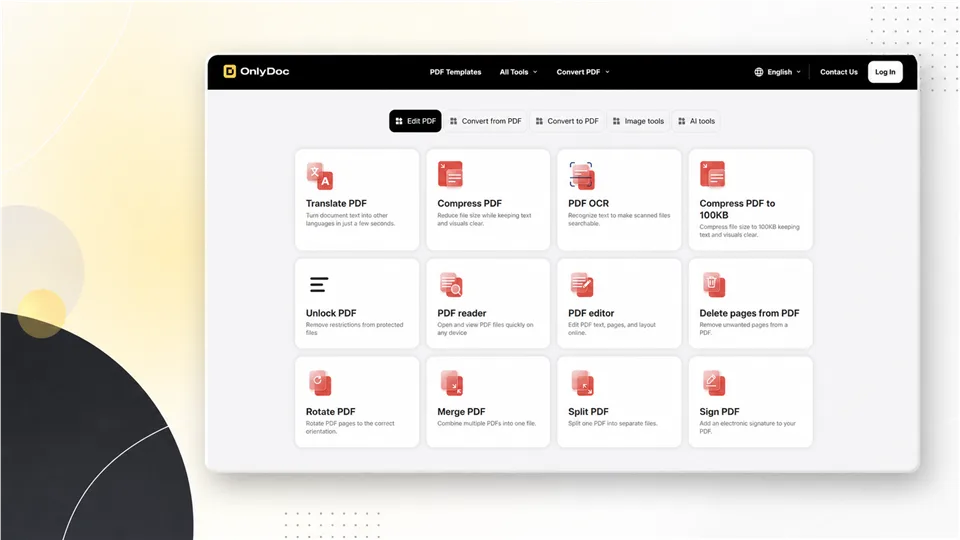
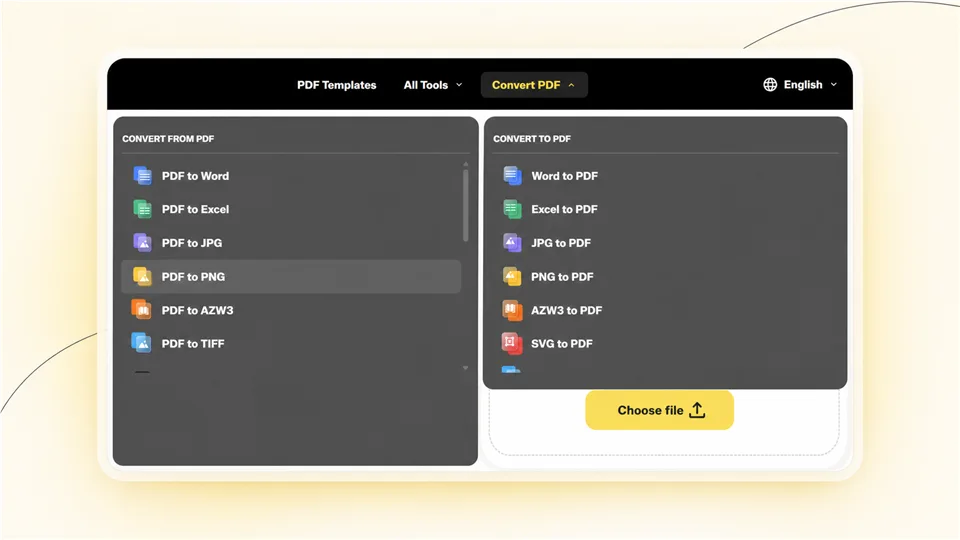
The site supports familiar tasks such as converting PDFs to Word, Excel, images, text, and other formats. It also lets users create PDFs from files like Word documents, spreadsheets, presentations, and images. Beyond conversion, it includes tools for merging, splitting, rotating, compressing, editing, signing, translating, and OCR.
In short, it is trying to be a convenient one-stop shop for everyday document work.
What Can You Do With It?
The biggest strength of OnlyDoc is that it covers far more than basic PDF conversion. If you only need to convert a document once in a while, having all these options in one place is genuinely handy.
Some of the most useful tools include:
- PDF to Word, Excel, JPG, PNG, HTML, and text conversion
- Word, Excel, PowerPoint, JPG, PNG, and other files to PDF
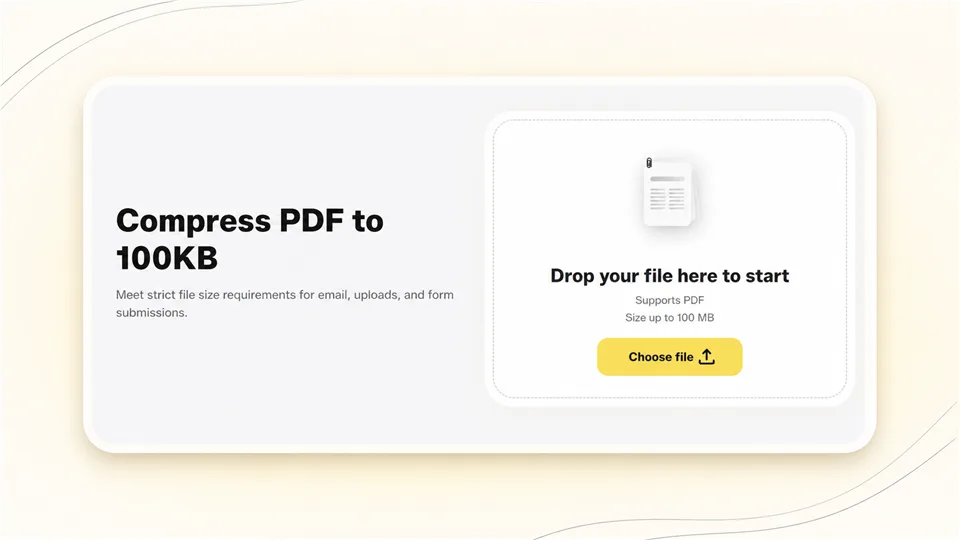
- PDF compression
- PDF merging and splitting
- Page rotation and page deletion
- OCR for scanned documents
- PDF translation
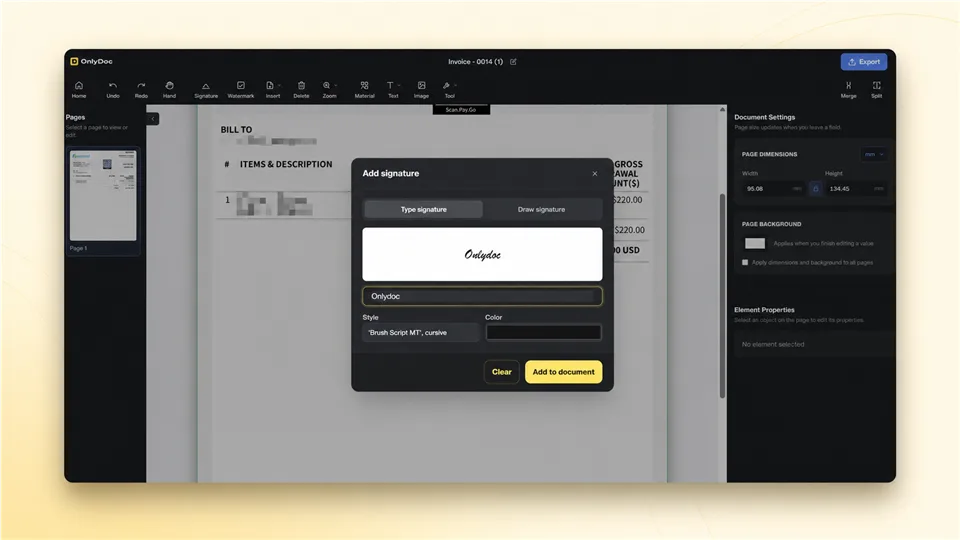
- Basic PDF editing and e-signatures
- PDF summarization and image-related tools
It supports uploads of up to 100 MB, which should cover many normal documents and image-heavy PDFs.
How Easy Is It to Use?
OnlyDoc keeps things simple. The general flow is what most people would expect: upload a file, choose the tool, wait for processing, and download the finished file.
That sounds obvious, but it matters. A PDF tool should not make you spend ten minutes looking for the right button before you can merge two documents. OnlyDoc’s tool categories, such as editing, converting from PDF, converting to PDF, image tools, and AI tools, make it easier to find the feature you need.
It is also useful that the service works in a browser. If you are on a shared computer, using a laptop away from home, or trying to complete a quick task from your phone, being able to open a website and get started is much easier than installing desktop software.
How Good Are the Results?
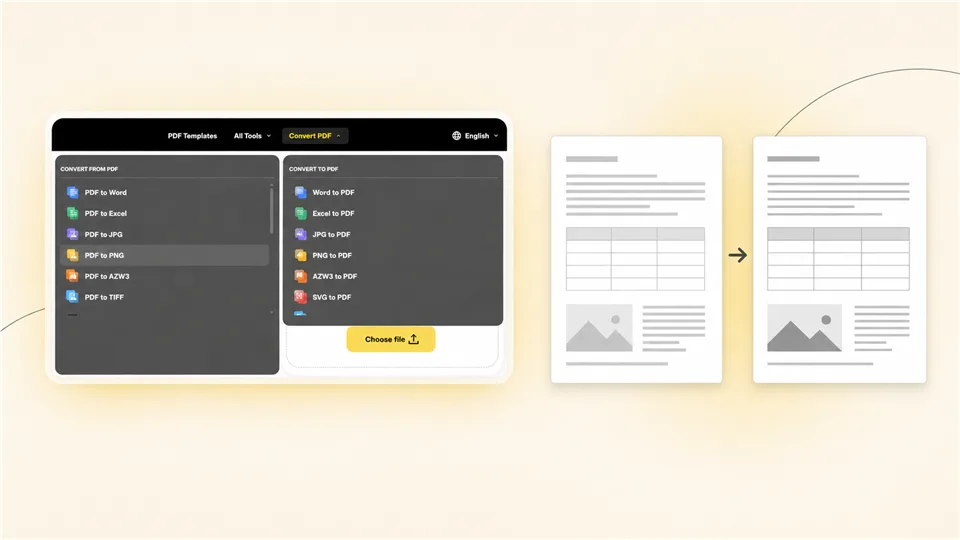
In our tests, OnlyDoc performed well with standard PDF tasks. Text-heavy documents converted cleanly, and most basic layouts remained readable and close to the original. PDF compression also reduced file size effectively while keeping text and images clear enough for everyday sharing and uploads.
The results were less consistent with more complex files. Documents containing dense tables, multi-column pages, custom fonts, or image-heavy layouts may require some manual cleanup after conversion. PDF-to-Word and PDF-to-Excel conversions are useful starting points, but users should still check table alignment, spacing, and page breaks before using the output in a professional setting.
OCR was practical for clear scans and printed text, making documents searchable and easier to reuse. However, accuracy can drop with low-resolution scans, uneven lighting, handwriting, or complicated table structures.
Overall, OnlyDoc delivers reliable results for routine conversions, compression, and basic document processing. It is a strong choice for everyday files, but important business documents and highly formatted PDFs should always be reviewed before final use.
OCR, Translation, and Other Extras
The OCR feature is particularly useful for scanned documents. If you have an old scan, a receipt, or a photo of a printed page, OCR can turn the visible text into something searchable and editable.
That said, OCR is never completely foolproof. Blurry scans, handwriting, poor lighting, and complex tables can all lead to mistakes. It can save time, but it should not replace proofreading, especially for important information.
PDF translation is another welcome feature. It could be useful for quickly understanding a document in another language or creating a rough first draft of a translation. However, users should be realistic about what machine translation can do. For legal documents, academic papers, contracts, or client-facing content, a human review is still essential.
Privacy and Security: What to Keep in Mind
OnlyDoc says that it uses encryption during file upload and processing, follows GDPR-related practices, and applies industry-standard security measures.
That is a positive sign, but online document processing always deserves a little caution. Uploading a restaurant menu or a school handout is very different from uploading a passport scan, a signed contract, or a financial report.
Before using any online converter for sensitive files, it is wise to check its current privacy policy and terms of service. In particular, look for information about how long files are stored, whether they are deleted automatically, and how uploaded data is handled.
For ordinary, low-risk documents, OnlyDoc may be perfectly fine. For confidential or regulated information, local software or an organization-approved document platform is usually the safer choice.
The Good and the Not-So-Good
What Works Well
- A wide selection of document and PDF tools in one place
- No installation required
- Straightforward upload-and-download workflow
- Useful extras such as OCR, translation, compression, and e-signing
- Support for many common document formats
- Convenient for quick work on desktop or mobile
What Could Be Better
- Complex documents may need manual cleanup after conversion
- OCR and translation results should be reviewed
- Sensitive files require extra privacy consideration
- Users should confirm any current usage limits, login requirements, or paid features before depending on the service
- It may not replace professional desktop software for heavy or specialized workflows
Who Is OnlyDoc Best For?
OnlyDoc makes the most sense for people who need a practical tool for occasional document tasks. Students, freelancers, office workers, and anyone dealing with PDFs from time to time may find it useful.
It is especially convenient when you need to complete a small task quickly: combine several PDFs, compress a large file before emailing it, convert a document for sharing, or extract text from a scan.
For teams that work with sensitive records, need large-scale batch processing, or require perfect formatting every time, a dedicated professional solution may still be a better fit.
Final Thoughts
OnlyDoc is a convenient and capable online PDF toolkit. Its biggest advantage is not one standout feature, but the fact that it puts many everyday document tools in one easy-to-access place.
For quick, routine, and non-sensitive tasks, it is worth trying. Just do not assume that every conversion will be flawless or that every file should be uploaded without thinking about privacy. Test it with a few real examples first, especially if formatting matters.
Overall, OnlyDoc is best seen as a helpful everyday PDF companion: simple, accessible, and useful when you need to get a document task done without making it a project.
Latest Reviews
Top 10 AI Models in 2026: Arena Rankings, Prices and Best Uses

Matrix-Game 4.0 Review: RTX 5090 AI Games, Setup and NSFW Limits
Nanosaur 2 Review: What a 670M Anime Image Model Can (and Can’t) Do
The 6 Best 3D Printers We Tested in 2026
Best Smart Glasses in 2026: 6 Top Picks for AI, AR and Sport

Build a Cloud GPU AI Workstation: Images, Video, LLMs & NSFW Limits (2026)