
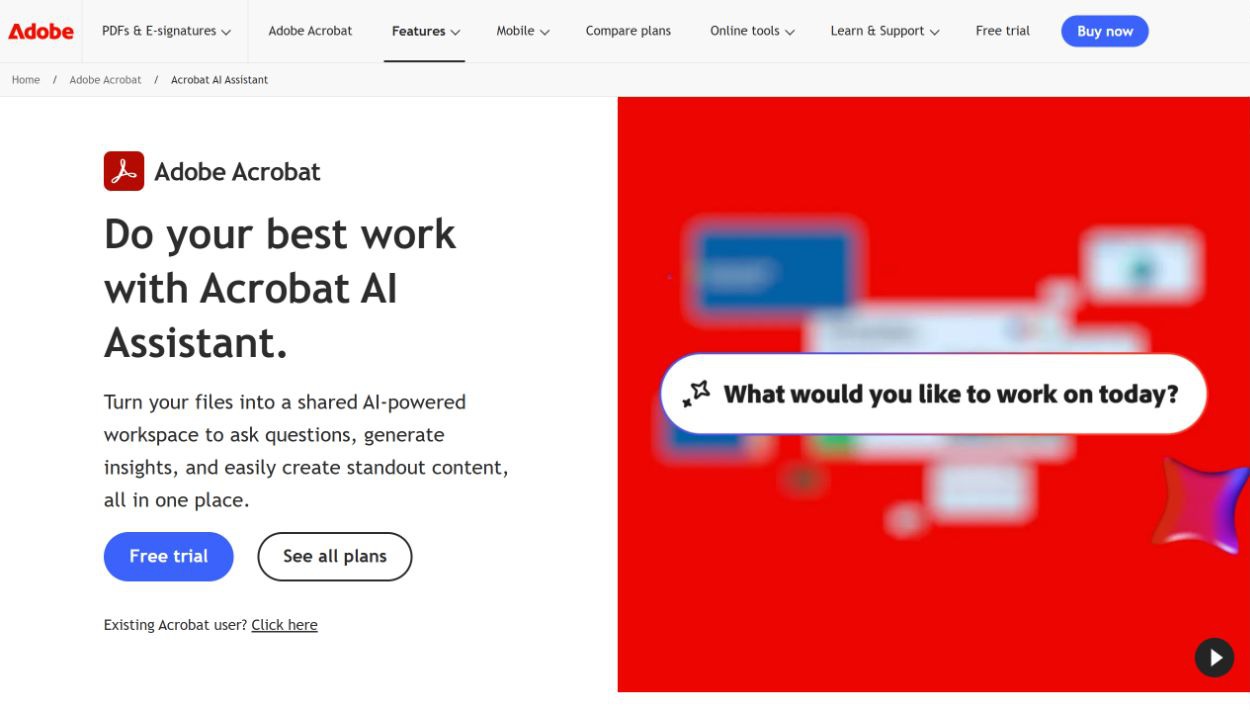
Adobe — Adobe Acrobat AI Assistant summarizes and answers questions across PDFs and other documents with source citations, extracts insights, rewrites content, analyzes contracts, performs PDF tasks by chat, combines files in PDF Spaces, and can generate presentations and audio overviews.
Use the official workflow to provide the requested input, select available settings, process the task, and review the result before exporting or sharing it.
At a glance
No specific amount is included without a separately verified official pricing page. Check the official website for current free access, trials, subscriptions, credits, and limits.
Before you choose
Good for
- Provides a direct official workflow for its stated purpose
- Keeps input, processing, and result review in one product experience
Keep in mind
- Features and limits may depend on plan, platform, language, or region.
- The homepage alone may not establish commercial-use or licensing rights.
- Review privacy terms before uploading sensitive material.
Adobe editorial review
Adobe offers a direct product workflow for users whose task matches the capability described by the vendor. It is best treated as a starting point whose results, limits, and rights still need review.
Best for
- Users evaluating Adobe for productivity work
Keep in mind
- Pricing and limits can change; verify them on the official website.
- Review outputs before publication or business use.
- Only submit content you have permission to process.
How it works
- Open Adobe from its official website and sign in if required.
- Choose the relevant workflow and provide the requested supported input.
- Configure available options, run the task, review the result, and export or share it when supported.
Key features
✓ Official product capability: Adobe Acrobat AI Assistant summarizes and answers questions across PDFs and other documents with source citations, extracts insights, rewrites content, analyzes contracts, performs PDF tasks by chat, combines files in PDF Spaces, and can generate presentations and audio overviews.
Frequently asked questions
What is Adobe?
Adobe Acrobat AI Assistant summarizes and answers questions across PDFs and other documents with source citations, extracts insights, rewrites content, analyzes contracts, performs PDF tasks by chat, combines files in PDF Spaces, and can generate presentations and audio overviews.
How do I start using Adobe?
Open the official website, choose the relevant feature, provide the requested input, and review the result before export or sharing.